
In today's fast-paced, compliance-driven landscape, a reactive helpdesk is no longer enough. The difference between a simple helpdesk and a strategic IT service desk is the difference between fixing problems and preventing them. An effective service desk acts as the central nervous system for your IT operations, aligning technology with business outcomes, ensuring security, and maintaining compliance. This shift is especially critical for organizations in healthcare, finance, legal, and other regulated sectors where downtime and data breaches carry significant financial and reputational risk.
Moving beyond basic troubleshooting to embrace strategic IT service desk best practices is essential for transforming IT from a cost center into a true business enabler. This evolution ensures operational resilience, protects sensitive data, and supports core business functions without interruption. For organizations dealing with HIPAA, FINRA, or PCI DSS requirements, a well-structured service desk isn't just an operational asset; it's a foundational component of your risk management and compliance strategy.
This guide provides 10 actionable, field-tested best practices that move beyond generic advice. We will offer specific implementation steps, industry-specific examples, and measurable goals to help you build a resilient, efficient, and compliant IT support function. To truly meet the demands of the modern business landscape and its 2026 mandate, consider implementing a comprehensive set of 10 Help Desk Best Practices to Modernize Your Support in 2026 as you refine your strategy. Each point in our list is designed to provide a clear roadmap for improving service delivery, from establishing robust Service Level Agreements (SLAs) to implementing advanced automation and proactive monitoring. Let's dive into the core practices that will prepare your organization for 2026 and beyond.
1. Implement a Tiered Support Structure (Level 1, 2, 3)
One of the most foundational IT service desk best practices is implementing a tiered support structure. This model organizes your support team into distinct levels based on technical expertise, creating a logical and efficient workflow for resolving user issues. Instead of a single queue where complex problems can delay simple fixes, tickets are systematically routed to the right person at the right time.
This structure streamlines operations, ensuring that common, repetitive issues are resolved quickly at the frontline while freeing up specialized senior staff to focus on complex, high-impact problems. For organizations in regulated sectors like finance or healthcare, a tiered model provides a clear, documented escalation path, which is crucial for maintaining compliance and creating auditable records.
How It Works
A tiered support system typically includes three primary levels:
- Level 1 (L1): This is the first point of contact for all incoming requests. L1 agents handle basic issues like password resets, software installation, and initial troubleshooting using standardized scripts and knowledge base articles. Their primary goal is to resolve a high volume of common issues on the first call.
- Level 2 (L2): When an issue is too complex for L1, it is escalated to L2. This team possesses deeper technical knowledge and handles problems requiring advanced troubleshooting, server-side configurations, or specialized software support.
- Level 3 (L3): This level consists of highly specialized experts, such as system administrators, network engineers, or software developers. L3 tackles the most difficult problems, including bug fixes, system architecture issues, or deep-dive root cause analysis.
Actionable Implementation Tips
To successfully deploy a tiered model, focus on creating clear processes and enabling your team.
- Define Escalation Triggers: Document precise, unambiguous criteria for when a ticket should be escalated from L1 to L2, and from L2 to L3. Base these triggers on issue complexity, required permissions, and expected resolution time.
- Develop L1 Runbooks: Equip your Level 1 team with comprehensive runbooks and scripts for the top 20-30 most frequent issues. This empowers them to resolve more tickets independently, improving first-contact resolution (FCR) rates.
- Foster Knowledge Sharing: Schedule regular knowledge transfer sessions where L2 and L3 engineers train L1 staff on newly identified common issues. This "shift-left" approach continuously builds frontline capabilities.
- Analyze Escalation Patterns: Use your ticketing system data to track why tickets are escalated. Consistent patterns often reveal gaps in L1 training or documentation that need to be addressed. As you evaluate your team's needs, understanding the core differences between a tactical helpdesk and a strategic service desk can provide valuable context. Learn more about the difference between a helpdesk and a service desk to align your support structure with business goals.
2. Establish Defined Service Level Agreements (SLAs)
A critical component of any high-performing IT service desk is the establishment of clear, formal Service Level Agreements (SLAs). An SLA is a documented commitment between the service provider (your IT team) and the end-user, defining the expected level of service, including response times, resolution times, and availability guarantees. It transforms vague service expectations into concrete, measurable targets.
For organizations in regulated fields, SLAs are not just a best practice; they are a necessity. They provide a framework for accountability, manage user expectations, and supply the data needed for continuous service improvement. This is particularly crucial in sectors like healthcare or finance, where service uptime directly impacts patient safety or financial transactions and must meet strict compliance standards like HIPAA or PCI-DSS.
How It Works
SLAs create a shared understanding of service priorities and performance metrics. They are typically structured around the business impact and urgency of an issue, ensuring that the most critical problems receive the fastest attention.
- Response Time: The maximum time allowed for an agent to acknowledge a new ticket and begin working on it.
- Resolution Time: The maximum time allowed to fully resolve an issue, from the moment it is logged until it is closed.
- Uptime Guarantees: A commitment to the percentage of time a critical system or service will be operational, such as guaranteeing 99.9% uptime for a patient records system.
Actionable Implementation Tips
To create effective SLAs, you must align them with both business needs and technical capabilities. To ensure clear expectations and accountability, it's vital to define precisely What is a Service Level Agreement and its components within your service desk operations.
- Segment SLAs by Business Impact: Do not use a one-size-fits-all approach. Define different SLA targets for different issue severities. For example, a system-wide outage in a manufacturing plant (Severity 1) should have a 15-minute response time, while a minor printer issue (Severity 4) might have a 4-hour response time.
- Integrate Compliance Requirements: For clients in regulated sectors, build compliance needs directly into your SLAs. A healthcare IT provider might have a 1-hour response SLA for any potential HIPAA breach, while a law firm could require a 30-minute response for a secure document access failure.
- Use Real-Time Dashboards: Monitor SLA performance in real-time. Dashboards help team leads identify potential breaches before they happen and reallocate resources to tickets nearing their deadlines.
- Review and Adjust Quarterly: Business needs change, and so should your SLAs. Use performance data from your ticketing system to review and adjust SLA targets every quarter to ensure they remain relevant and achievable.
3. Adopt a Comprehensive Knowledge Management System
Another essential IT service desk best practice is adopting a comprehensive knowledge management system. This centralized repository acts as the single source of truth for your entire IT operation, housing everything from troubleshooting guides and standard operating procedures (SOPs) to policy documentation. A robust knowledge base empowers support staff to find verified solutions quickly, ensuring consistent and accurate responses to user issues.
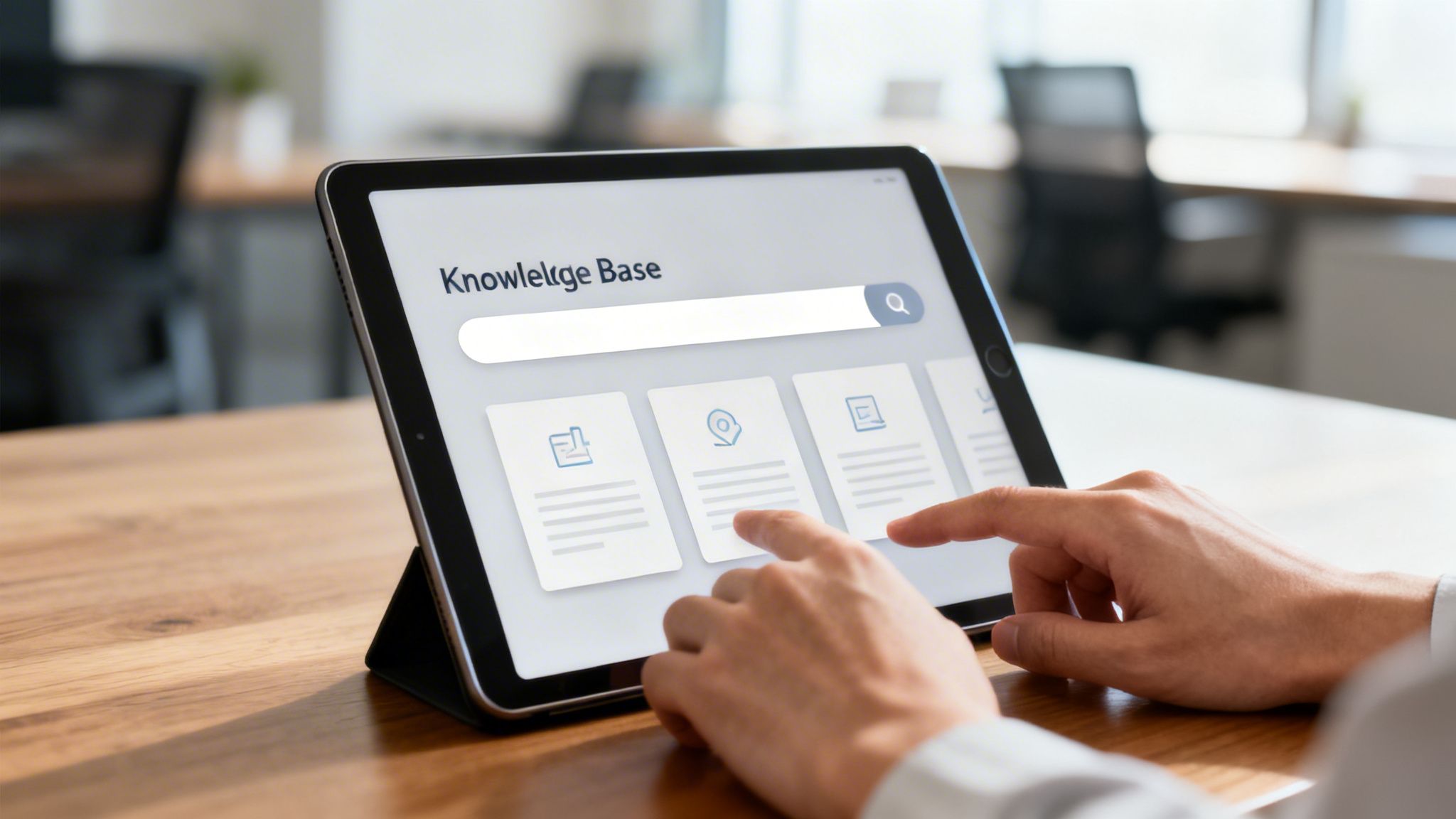
For regulated industries like healthcare or finance, this system is non-negotiable. It provides a documented, auditable trail of approved procedures, which is critical for maintaining compliance with standards like HIPAA or FINRA. By making approved information readily accessible, you reduce operational risk and ensure every team member follows the correct protocol every time, turning institutional knowledge into a tangible asset.
How It Works
A knowledge management system organizes information for easy retrieval by both IT staff and end-users. Modern platforms often integrate with the service desk ticketing system, suggesting relevant articles to technicians as they work on an issue. This integration dramatically speeds up resolution times and promotes self-service by allowing users to find answers on their own.
- For IT Staff: It serves as a go-to resource for L1 agents to resolve common issues and a reference for L2/L3 specialists documenting complex solutions.
- For End-Users: A user-facing portal can deflect tickets by providing FAQs, how-to guides, and tutorials, allowing users to solve simple problems independently.
- For Compliance: It stores and versions compliance-critical documentation, ensuring that procedures related to data handling and security are always current and followed correctly.
Actionable Implementation Tips
To get the most value from your knowledge base, focus on quality, accessibility, and continuous improvement.
- Start with High-Impact Content: Begin by documenting solutions for your top 25-50 most frequent service requests. This provides immediate value and builds momentum for the project.
- Implement Strict Version Control: For regulated environments, use a system that tracks changes, requires approvals for updates, and archives old versions. This is crucial for proving compliance during an audit.
- Integrate with Ticketing Workflows: Configure your IT service management (ITSM) tool to allow technicians to link, attach, or even create new knowledge articles directly from a ticket resolution screen.
- Use Feedback to Fill Gaps: Actively monitor which articles are used most, which receive low ratings, and what terms users search for that yield no results. This data is a goldmine for identifying and creating needed content.
4. Implement Proactive Monitoring and Ticketing Automation
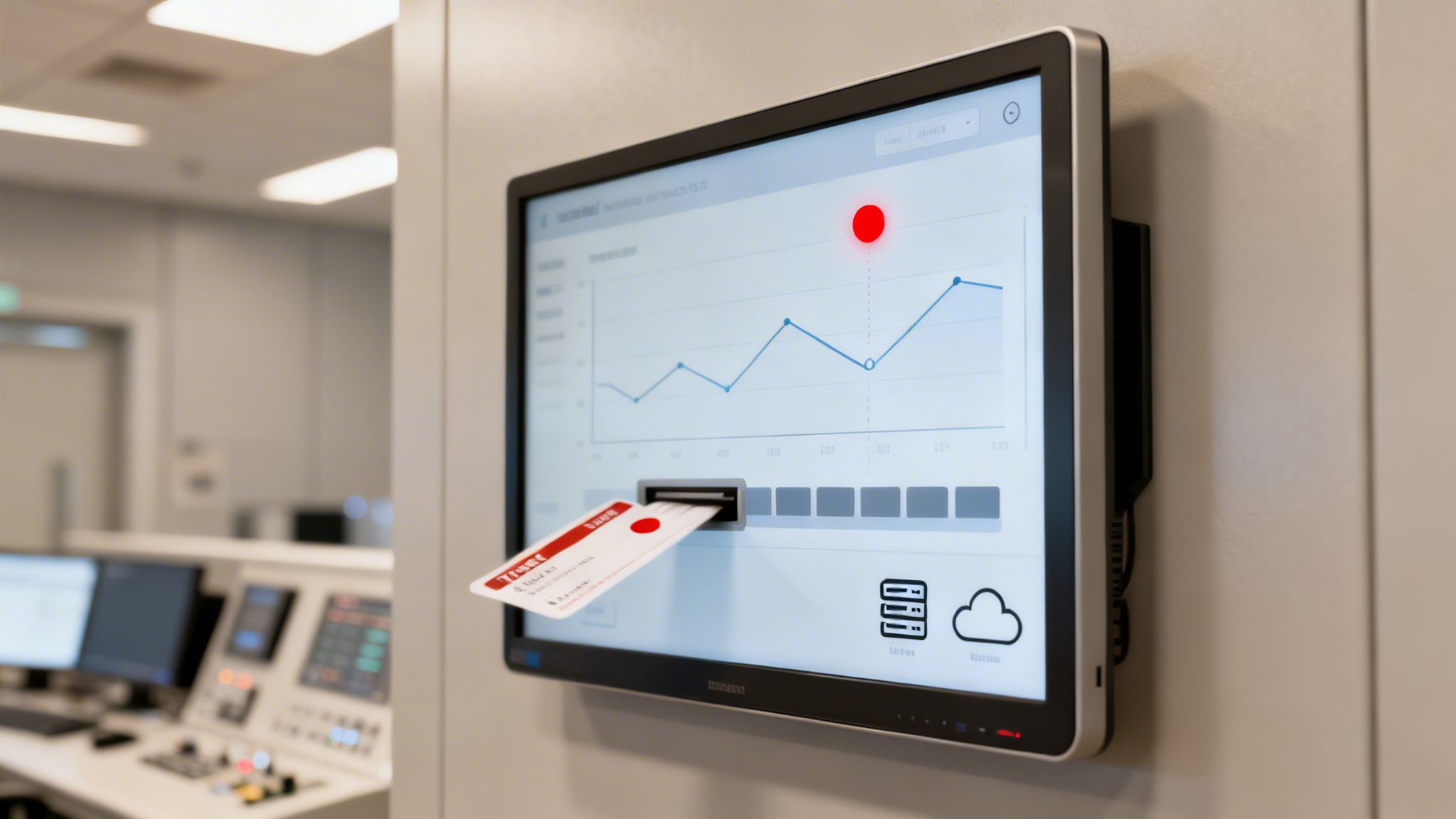
One of the most impactful IT service desk best practices is shifting from a reactive model to a proactive one. Proactive monitoring uses agents and sensors to detect infrastructure issues before they disrupt users, while automation handles ticket creation, team notifications, and initial remediation workflows. This approach transforms the service desk from a team that only fixes reported problems into a strategic unit that prevents them.
This preventative strategy is critical for minimizing downtime and its associated business impact. In industries like healthcare or finance where system availability is non-negotiable, proactive monitoring ensures critical applications like EHRs or trading platforms remain stable. It also significantly frees up technicians from repetitive, manual tasks, allowing them to focus on higher-value projects.
How It Works
Proactive monitoring and automation work together to create a self-healing IT environment. The process typically follows these steps:
- Detection: Monitoring tools like Zabbix, Nagios, or Datadog continuously track the health of servers, networks, and applications. For example, a tool can monitor a law firm's document management system for high CPU usage or low disk space.
- Alerting: When a predefined threshold is breached (e.g., server CPU exceeds 90% for five minutes), the tool generates an alert.
- Automated Ticketing: The alert automatically triggers the creation of a detailed ticket in the service desk system, assigning it to the appropriate team and setting its priority based on the severity of the alert.
- Remediation: For common, low-risk issues, an automated workflow can be initiated. This might involve restarting a service, clearing temporary files, or running a diagnostic script to resolve the issue without human intervention.
Actionable Implementation Tips
To effectively implement this practice, start small and build upon early successes.
- Prioritize Critical Systems: Begin by monitoring your most critical business systems. For a healthcare clinic, this would be the EHR; for a financial firm, the trading system. This ensures the highest return on your initial investment.
- Establish Realistic Thresholds: Set alert thresholds based on your actual baseline performance metrics, not generic industry averages. This reduces the number of false positives and prevents alert fatigue for your team.
- Develop Automated Runbooks: For the most common alerts, create and test automated remediation runbooks. Start with simple actions like restarting a stopped service and gradually move to more complex workflows.
- Integrate Your Tools: Ensure your monitoring platform is tightly integrated with your ticketing system and other IT management tools. This seamless flow of information is key to effective automation. Remote Monitoring and Management (RMM) platforms are central to this strategy; understanding the benefits of an RMM tool is a great first step toward building a proactive support model.
5. Use ITIL Framework for Service Management Processes
Adopting a standardized framework is one of the most impactful IT service desk best practices for achieving operational maturity and consistency. The Information Technology Infrastructure Library (ITIL) provides a globally recognized set of detailed practices for IT service management (ITSM), turning chaotic, reactive support into a structured, predictable, and business-aligned operation. It offers a common language and proven processes for managing services effectively.
By implementing ITIL, you move beyond simply fixing issues as they arise. Instead, you begin to manage the entire lifecycle of IT services, from strategy and design to transition and continual improvement. For organizations in regulated industries, ITIL’s emphasis on documented, repeatable processes is invaluable for demonstrating compliance with standards like HIPAA, PCI-DSS, and FINRA.
How It Works
ITIL organizes ITSM into a series of processes and functions that cover the entire service lifecycle. While the full framework is extensive, service desks typically begin by focusing on core processes that deliver immediate value:
- Incident Management: The process for restoring normal service operation as quickly as possible after an incident occurs. This involves logging, categorizing, prioritizing, and resolving disruptions to minimize business impact.
- Problem Management: The process for identifying the root cause of one or more incidents. Its goal is to prevent incidents from happening in the first place by finding and eliminating underlying problems.
- Change Management: The process for controlling the lifecycle of all changes to IT services. This ensures that standardized methods are used for efficient and prompt handling of all changes, minimizing the risk of disruption.
- Service Request Management: The process for handling predefined, user-initiated requests, such as a request for new software or access to a file share.
Actionable Implementation Tips
To successfully adopt ITIL, start small and build momentum rather than attempting a complete overhaul at once.
- Start with Core Processes: Begin by implementing Incident and Service Request Management. These processes address the most visible day-to-day activities of the service desk and provide the biggest initial wins.
- Customize for Compliance: Do not treat ITIL as a rigid rulebook. Adapt its templates and processes to fit your specific operational needs and compliance requirements. For example, map your ITIL change management workflow directly to HIPAA's requirements for controlling access to electronic protected health information (ePHI).
- Train Your Team Thoroughly: Before going live, ensure your team understands ITIL terminology, concepts, and the new workflows. This alignment is crucial for consistent execution and successful adoption.
- Align Incident Severity with SLAs: Use ITIL's incident classification guidelines to define severity levels (e.g., P1 for critical, P4 for low) that are directly tied to the response and resolution times defined in your Service Level Agreements (SLAs).
6. Develop a Robust Incident Response Plan
Moving beyond routine ticket handling, a mature IT service desk must be prepared for significant disruptions. Developing a robust incident response plan is a critical best practice that provides a clear, documented roadmap for detecting, responding to, and recovering from major IT incidents and security breaches. This plan formalizes roles, responsibilities, and communication protocols before a crisis occurs.
For organizations in regulated sectors like healthcare, finance, or legal services, a tested incident response plan is not just good practice; it's a mandatory compliance requirement. It transforms chaotic, high-stress situations into structured, manageable processes, minimizing downtime, limiting data exposure, and ensuring regulatory obligations are met efficiently.
How It Works
An incident response plan is a formal document that outlines the step-by-step procedures for handling a crisis. It is guided by frameworks like the NIST Cybersecurity Framework or ISO/IEC 27035 and is activated when a predefined trigger occurs, such as a major system outage or a confirmed data breach.
- Detection & Analysis: The plan defines how to identify and validate an incident, distinguishing a minor issue from a major crisis.
- Containment & Eradication: It outlines immediate steps to isolate affected systems to prevent further damage and then remove the threat's root cause.
- Recovery & Post-Incident Review: The plan details procedures for restoring normal operations and conducting a post-mortem analysis to identify lessons learned and prevent recurrence.
Actionable Implementation Tips
To build an effective incident response plan, focus on clarity, preparedness, and continuous improvement.
- Define Clear Severity Triggers: Establish specific criteria that escalate a standard ticket to a major incident. For example, any event with a potential patient safety impact in a healthcare setting or one requiring regulatory notification for a financial firm should automatically trigger the plan.
- Create Tailored Playbooks: Develop distinct playbooks for different environments. A manufacturing facility needs a plan for Operational Technology (OT) incidents that is separate from the IT plan, while a law firm requires a playbook specific to client data compromise.
- Schedule Quarterly Tabletop Exercises: Don't wait for a real crisis to test your plan. Regularly run simulation exercises with key stakeholders to identify gaps in communication, technical procedures, and decision-making processes.
- Establish a War Room Protocol: Document how the response team will convene, whether physically or virtually. Specify communication channels (e.g., a dedicated Slack channel or conference bridge) and include a contact list with primary and backup contacts for every role. To learn more about how these procedures fit into a broader strategy, explore the core components of modern cybersecurity operations.
7. Create Detailed Runbooks and Playbooks
A critical IT service desk best practice for ensuring consistent and rapid issue resolution is the creation of detailed runbooks and playbooks. These documents standardize responses to recurring technical issues, removing guesswork and empowering technicians to act decisively. Runbooks provide granular, step-by-step instructions for a specific task, while playbooks offer a broader strategic guide for managing entire incident categories.
This structured approach is invaluable for organizations where operational continuity is paramount, such as healthcare facilities facing EHR system downtime or financial firms managing a security incident. By documenting precise procedures, you reduce resolution times, minimize human error, and create an invaluable training resource for new team members, ensuring that institutional knowledge is preserved and shared effectively.
How It Works
Runbooks and playbooks serve as the operational memory of your IT service desk, codifying the best way to handle known problems.
- Runbooks: These are highly detailed, tactical guides for performing a specific, repetitive task. A runbook for restoring VPN access might include the exact diagnostic commands to run, screenshots of the admin console, and the specific steps to reset a user's multi-factor authentication.
- Playbooks: These are more strategic and guide the response to a broader type of incident. A ransomware playbook, for example, would outline the entire response process, including initial containment steps, communication protocols for stakeholders, criteria for engaging cybersecurity partners, and procedures for data recovery.
Actionable Implementation Tips
To develop effective runbooks and playbooks, ground them in real-world scenarios and make them easy to follow.
- Analyze Past Incidents: Build your initial set of runbooks by analyzing the most frequent and high-impact tickets from your ITSM tool. Prioritize creating documentation for problems that cause the most disruption.
- Incorporate Decision Trees: Use simple "if-then" logic to guide technicians through complex troubleshooting. For example, "If the user can ping the server but cannot access the application, then check firewall port 8080."
- Include Precise Commands and Visuals: Embed exact command-line syntax for systems like Windows PowerShell or Linux Bash. Supplement these with screenshots and short video walkthroughs to illustrate complex steps, reducing ambiguity.
- Define Prerequisites and Escalation Triggers: Clearly state what tools or access levels are required at the beginning of each runbook. Also, specify the exact point at which a technician should stop and escalate the issue to the next support tier.
8. Prioritize User Communication and Transparency
One of the most impactful IT service desk best practices is to establish clear and proactive communication with users, especially during service disruptions. Keeping users informed reduces anxiety, prevents a flood of duplicate tickets for the same issue, and builds trust in the IT department. Instead of leaving users in the dark, transparent communication provides them with the status, impact, and expected resolution time for critical incidents.
This practice is not just about good customer service; it is a strategic function that manages user expectations and demonstrates control over the IT environment. In regulated sectors like healthcare or finance, providing timely and accurate incident communication is often a component of compliance, ensuring stakeholders are aware of events that could impact operations or data security.
How It Works
Proactive communication involves using multiple channels to deliver consistent, timely updates to affected users throughout an incident's lifecycle, from initial acknowledgment to final resolution. This process typically follows a structured plan.
- Initial Acknowledgment: As soon as a critical incident is confirmed, an initial notification is sent out. This message acknowledges the problem, states which services are affected, and confirms that the IT team is investigating.
- Regular Progress Updates: Throughout the incident, the service desk provides updates at predetermined intervals (e.g., every 30 minutes). These updates inform users of the investigation's progress, even if there is no new information, to show the issue is still being actively worked on.
- Resolution and Post-Mortem: Once the issue is resolved, a final communication confirms that services are restored. A follow-up post-incident report is often published later, explaining the root cause and the steps taken to prevent recurrence.
Actionable Implementation Tips
To build a successful communication strategy, focus on consistency, clarity, and accessibility.
- Implement a Status Page: Use a dedicated tool like Statuspage, Instatus, or a self-hosted solution to provide a single source of truth for system status. For example, a healthcare clinic can use this to show clinical staff the live status of their EHR system during an outage.
- Create Communication Templates: Develop pre-written templates for common scenarios like network outages, application downtime, or planned maintenance. This ensures messages are consistent, clear, and can be sent out quickly.
- Define Severity and Update Cadence: Standardize your incident language (e.g., Critical, Major, Minor) and establish a clear policy for update frequency based on severity. For a "Critical" incident, you might commit to updates every 15-30 minutes.
- Publish Post-Incident Reports: After resolving a major issue, share a post-incident report within 24-48 hours. This transparency builds trust and demonstrates a commitment to continuous improvement, a key element of IT service desk best practices.
9. Implement Effective Ticketing System Management and Establish Metrics for Continuous Improvement
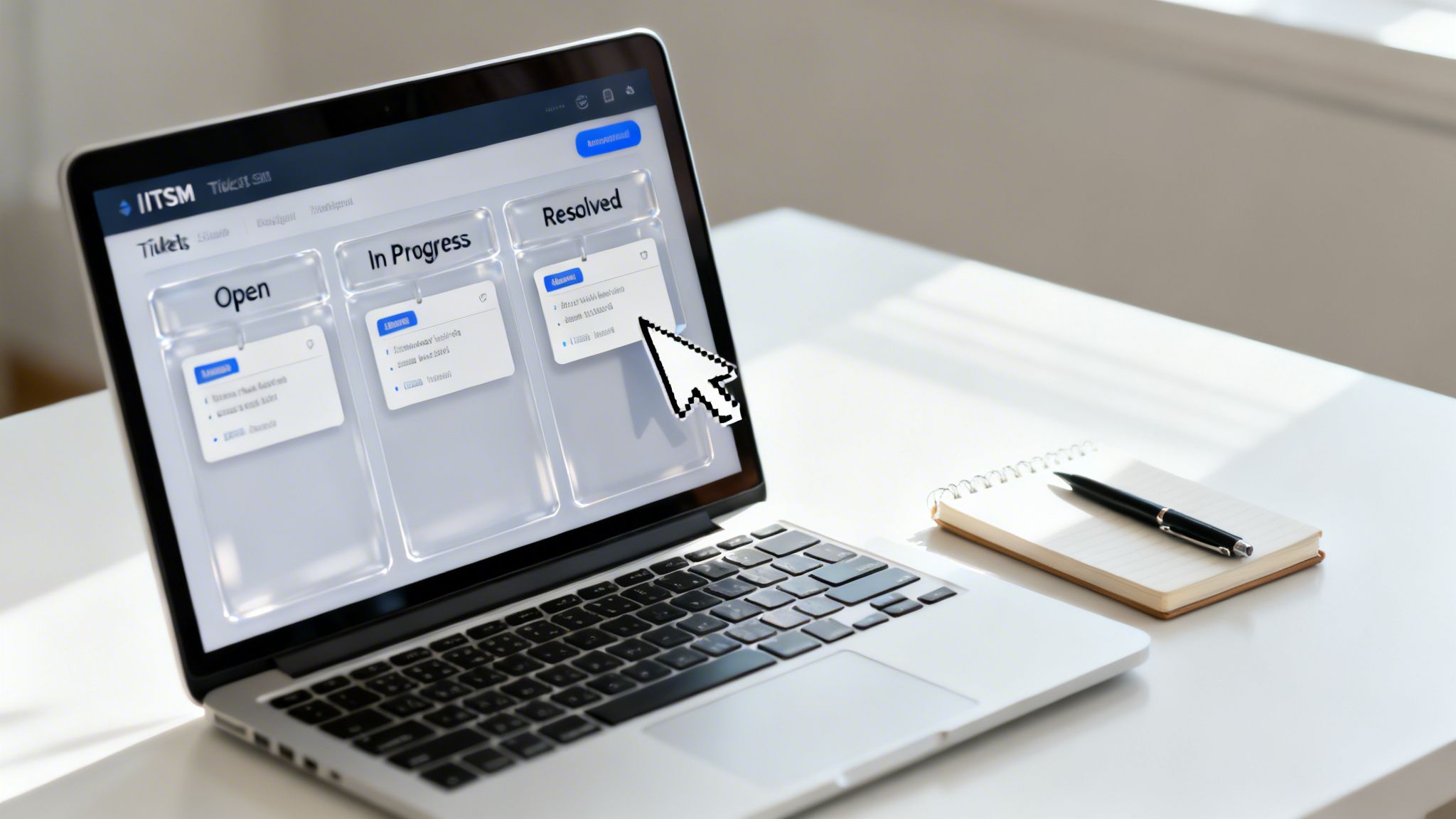
A robust ticketing system, or IT Service Management (ITSM) platform, is the central nervous system of any modern IT service desk. It’s more than just a logging tool; it’s the engine for workflow automation, performance measurement, and compliance reporting. Implementing this best practice involves configuring the system to reflect business needs and using its data to drive a cycle of continuous improvement.
For organizations in regulated fields like finance and healthcare, a well-managed ticketing system provides an indispensable, auditable record of every request, incident, and change. It ensures that processes are followed consistently, service level agreements (SLAs) are met, and IT activities align directly with strategic business objectives, moving beyond simple issue resolution to value creation.
How It Works
Effective ticketing system management turns raw data into actionable intelligence. Every ticket captures critical information: who is affected, what the issue is, its urgency, and its impact. This data is used to automate workflows, such as routing a ticket to the correct team based on its category or escalating it if an SLA is at risk of being breached.
Simultaneously, the system aggregates this data into key performance indicators (KPIs) and metrics. Service desk leaders use dashboards to monitor trends in real time, such as First-Contact Resolution (FCR) rates, Mean Time to Resolution (MTTR), and agent performance. Regular reviews of these metrics reveal process bottlenecks, training needs, and opportunities for automation, ensuring the service desk continually evolves. For example, a law firm might use Jira Service Management to automate new user onboarding workflows, while a healthcare system tracks MTTR in ServiceNow for patient-facing portal incidents to ensure care continuity.
Actionable Implementation Tips
To transform your ticketing system from a simple logbook into a strategic asset, focus on intelligent configuration and data analysis.
- Design Business-Centric Categories: Structure ticket categories and subcategories around the business services you support (e.g., "Electronic Health Record System," "Client Billing Platform") rather than internal IT silos ("Network," "Server"). This provides clearer business-impact reporting.
- Implement Smart Automation: Use your ITSM platform to automate repetitive tasks. Set up rules for intelligent auto-assignment based on technician skills and workload, automatic escalations when SLA thresholds are breached, and automated user notifications.
- Define and Track Meaningful KPIs: Focus on metrics that reflect business outcomes, not just IT activity. Track SLA compliance, customer satisfaction (CSAT), ticket backlog trends, and resolution rates. Hold weekly or bi-weekly meetings to review these KPIs and identify areas for improvement.
- Integrate with Monitoring Tools: Connect your ticketing system with network and application monitoring tools. This allows the system to automatically generate and categorize incident tickets when an outage or performance degradation is detected, speeding up response times.
10. Foster a Strong Service Desk Culture and Team Development
Beyond tools and processes, the human element is the most critical component of a successful service desk. Fostering a strong culture of continuous learning, empowerment, and customer focus is one of the most impactful IT service desk best practices. This approach transforms the service desk from a reactive cost center into a proactive, value-driven team that directly improves user satisfaction and business outcomes.
A positive team culture boosts morale, reduces agent burnout, and lowers turnover, ensuring that valuable institutional knowledge remains within the organization. For specialized industries like healthcare or finance, where agents need specific compliance knowledge (e.g., HIPAA or FINRA), retaining experienced staff is essential for maintaining operational integrity and security.
How It Works
Building a strong service desk culture involves a deliberate, multi-faceted strategy focused on professional and personal growth. It means investing in your team's skills, providing clear opportunities for advancement, and creating a supportive environment where agents feel valued. This isn't just about perks; it's about building a framework for long-term success.
- Continuous Learning: The team is provided with ongoing training opportunities, from industry-standard certifications like CompTIA and Microsoft to specialized training for proprietary software or industry regulations.
- Career Progression: A clear, documented career path shows agents how they can advance from Level 1 to senior engineering or management roles, motivating them to build their skills and commit to the organization.
- Recognition and Empowerment: A culture of recognition celebrates achievements, while empowerment gives agents the autonomy to make decisions, instilling a sense of ownership and accountability.
Actionable Implementation Tips
To cultivate a thriving service desk team, move beyond annual reviews and create an always-on development ecosystem.
- Create a Training Roadmap: Align training goals with career progression. A Level 1 technician's roadmap might focus on CompTIA A+, while a Level 2's could include Microsoft Azure or specialized legal technology certifications.
- Implement Peer Mentorship: Pair new hires with experienced technicians. This accelerates onboarding, transfers practical knowledge that isn't in a manual, and builds strong interpersonal bonds within the team.
- Hold Weekly Knowledge-Sharing Sessions: Dedicate 30 minutes each week for the team to discuss tough tickets, share lessons learned, and highlight new solutions. This collective problem-solving strengthens the entire team's capabilities.
- Recognize Achievements Consistently: Implement a mix of recognition programs, such as an "Employee of the Month" award, spot bonuses for exceptional service, or public praise in team meetings to reinforce positive behaviors.
10-Point IT Service Desk Best Practices Comparison
| Initiative | 🔄 Implementation complexity | ⚡ Resource requirements | ⭐ Expected effectiveness/quality | 📊 Expected outcomes | 💡 Ideal use cases & quick tips |
|---|---|---|---|---|---|
| Implement a Tiered Support Structure (Level 1, 2, 3) | Medium–High — process definition, role design, training | Moderate — staffing by skill level, training programs, KB integration | ⭐⭐⭐ — strong for resolution consistency and compliance | 📊 Faster first-contact resolution, scalable staffing, clearer escalations | 💡 Best for mid-to-large and regulated orgs; define escalation criteria and runbooks |
| Establish Defined Service Level Agreements (SLAs) | Medium — policy drafting, severity definitions, legal review | Moderate — monitoring tools, legal/compliance input, reporting dashboards | ⭐⭐⭐ — high for accountability and expectations alignment | 📊 Measurable KPIs, reduced customer frustration, risk mitigation | 💡 Segment by severity, include compliance clauses, review quarterly |
| Adopt a Comprehensive Knowledge Management System | Medium — content strategy, taxonomy, integrations | Moderate–High — KM platform, content creators, search/AI integration | ⭐⭐⭐ — high for consistency and ticket deflection | 📊 Reduced ticket volume, faster onboarding, audit-ready documentation | 💡 Start with top recurring issues, enforce version control, track article impact |
| Implement Proactive Monitoring & Ticketing Automation | High — sensors, alerting logic, remediation playbooks | High — monitoring tools, skilled engineers, integration effort | ⭐⭐⭐ — very effective at reducing downtime and MTTR | 📊 Fewer user-reported incidents, lower after-hours calls, improved capacity planning | 💡 Start with critical systems, tune thresholds, correlate data sources |
| Use ITIL Framework for Service Management Processes | High — process adoption, documentation, cultural change | Moderate — training/certifications, process owners, documentation tools | ⭐⭐⭐ — excellent for standardized service and audit readiness | 📊 Consistent processes, improved MTTR, better change control | 💡 Implement core processes first (incident/change), customize for industry needs |
| Develop a Robust Incident Response Plan | Medium — role definitions, communication flows, testing | Moderate — cross-team time, tabletop exercises, legal/regulatory input | ⭐⭐⭐ — critical for reducing incident impact and compliance | 📊 Faster recovery, documented notifications, improved post-incident learning | 💡 Test regularly, define severity triggers, include contact backups and templates |
| Create Detailed Runbooks and Playbooks | Medium — capture procedures, decision trees, maintenance | Low–Moderate — SMEs time to author, documentation platform | ⭐⭐⭐ — very effective for consistent, repeatable responses | 📊 Reduced MTTR, junior technician enablement, easier automation | 💡 Base on real tickets, include exact commands and decision logic, keep updated |
| Prioritize User Communication and Transparency | Low–Medium — status processes, templates, cadence | Low–Moderate — status page, notification channels, comms owners | ⭐⭐–⭐⭐⭐ — improves trust and reduces duplicate contacts | 📊 Lower ticket surge during incidents, higher user satisfaction, audit trails | 💡 Use templates, regular update intervals (15–30 min), multi-channel notifications |
| Implement Effective Ticketing System Management & Metrics | High — taxonomy design, automation, integrations, governance | High — ITSM platform, integrations, reporting, admins/analysts | ⭐⭐⭐ — central to operations and continuous improvement | 📊 Centralized visibility, SLA compliance, data-driven staffing and process changes | 💡 Align categories to business services, mandatory routing fields, review KPIs regularly |
| Foster a Strong Service Desk Culture & Team Development | Medium — program design, mentorship, recognition systems | Moderate — training budget, certification support, time for mentoring | ⭐⭐⭐ — high for retention, morale, and service quality | 📊 Lower turnover, improved service consistency, internal career paths | 💡 Create clear training roadmaps, support certifications, run regular knowledge-sharing sessions |
Turn Your Service Desk Into a Strategic Asset
Navigating the complexities of a modern IT environment requires more than just a reactive help desk; it demands a proactive, strategic service desk. Throughout this guide, we've detailed the essential IT service desk best practices that form the foundation of a high-performing support function. From implementing a tiered support structure and defined SLAs to leveraging the ITIL framework and fostering a culture of continuous improvement, each practice is a critical piece of a larger puzzle.
The journey from a simple ticket-closing queue to a strategic business asset is built on a commitment to process, people, and technology. It's about moving beyond firefighting and toward creating a stable, secure, and highly efficient operational environment that empowers your organization to thrive.
From Tactical Fixes to Strategic Value
The core message behind these best practices is a fundamental shift in perspective. Instead of viewing the service desk as a cost center, it should be seen as a central hub for business enablement and risk mitigation.
- For Healthcare Providers: A well-run service desk isn't just about fixing printer issues; it's about ensuring EHR systems are always available, protecting sensitive PHI to maintain HIPAA compliance, and enabling clinicians to deliver uninterrupted patient care.
- For Law Firms: It's about securing client-attorney privileged information, ensuring compliance with data privacy regulations like the NY SHIELD Act, and providing attorneys with reliable access to case management systems, whether in the office or in court.
- For Financial Services: The service desk is the first line of defense in a high-stakes environment, enforcing access controls, responding to security incidents with precision, and maintaining the infrastructure needed for FINRA and PCI DSS compliance.
By implementing robust knowledge management, detailed runbooks, and proactive monitoring, your service desk transforms from a reactive team into a proactive one. It begins to anticipate issues, resolve them before they impact users, and provide valuable data that informs broader IT strategy and business decisions.
Your Actionable Roadmap to Excellence
Mastering these concepts is not an overnight task. It requires a dedicated, phased approach. Here are your immediate next steps to begin this transformation:
- Conduct a Gap Analysis: Review your current operations against the best practices outlined here. Where are your biggest weaknesses? Is it a lack of defined SLAs, an outdated knowledge base, or an inadequate incident response plan?
- Prioritize and Implement: You don't have to tackle everything at once. Select two or three high-impact areas to focus on first. For many, formalizing SLAs and improving ticketing metrics provides the quickest and most visible return on investment.
- Empower Your Team: Invest in training and tools. Your service desk analysts are your most valuable resource. Equip them with the knowledge, playbooks, and automation tools they need to succeed and grow.
Ultimately, the goal is not merely to close tickets faster. The true value lies in creating a resilient, secure, and user-centric IT support system that directly contributes to your organization's primary mission. A world-class service desk reduces operational friction, enhances employee productivity, strengthens your security posture, and provides the stable technological foundation necessary for innovation and growth. It becomes the engine that powers your success.
Ready to transform your IT support from a cost center into a strategic advantage? The team at CitySource Solutions specializes in implementing these security-first IT service desk best practices for regulated industries across the Tri-State area. Let us help you build a compliant, efficient, and resilient IT operation by visiting CitySource Solutions to learn more.