
In today's complex business environment, managing IT assets is no longer just about counting computers. It's a critical function that directly impacts security, compliance, and your bottom line. From on-premise servers and employee laptops to cloud instances, IoT devices, and SaaS licenses, every asset represents both an opportunity and a significant risk. Without a structured approach, organizations face security vulnerabilities from unpatched systems, surprise audit failures from non-compliant software, and runaway costs from underutilized technology. A disorganized inventory quickly becomes a liability, especially in highly regulated sectors like healthcare, finance, and legal services.
This guide moves beyond generic advice to provide a comprehensive roundup of actionable it asset management best practices. We will explore specific, implementation-ready strategies designed to bring clarity and control to your technology ecosystem. You will learn how to build a robust framework that not only tracks what you own but also optimizes how you use it throughout its entire lifecycle. To truly transform IT operations from chaos to control, a deep dive into IT Asset Management Best Practices is crucial for optimizing costs, ensuring compliance, and mastering the complete asset lifecycle.
Whether you're refining an existing program or starting from scratch, the following 10 best practices provide a clear roadmap. Each point is designed to be a practical building block for a stronger IT foundation. By implementing these strategies, you can transform your IT asset management from a reactive, administrative chore into a proactive, strategic advantage that ensures every technology investment is secure, compliant, and delivers maximum business value.
1. Automated Asset Discovery and Classification
One of the most foundational IT asset management best practices is replacing manual spreadsheets with continuous, automated discovery. This involves deploying software that actively scans your entire digital environment—on-premises networks, cloud tenants, and remote endpoints—to create a comprehensive, real-time inventory. This goes far beyond listing laptops; it identifies software installations, virtual machines, IoT devices, and unsanctioned "shadow IT" applications.
Without an accurate inventory, you cannot secure, manage, or optimize what you don't know exists. Once discovered, assets are automatically classified based on predefined rules, tagging them by type, owner, business criticality, and regulatory scope (e.g., HIPAA, PCI-DSS). This visibility is the first step to closing security gaps and making informed financial decisions.
Practical Implementation Examples
- Healthcare: A hospital system uses automated discovery to continuously map all devices that handle electronic protected health information (ePHI). This ensures any new medical device or workstation is immediately identified, classified as HIPAA-relevant, and brought under security policy enforcement.
- Manufacturing: A production facility deploys discovery tools to find and catalog all Operational Technology (OT) and IoT devices on the plant floor. This uncovers legacy equipment with security vulnerabilities, enabling the security team to segment the network and protect critical production systems.
- Legal: A law firm schedules automated scans to identify all repositories containing client data. This information is crucial for conducting privileged access reviews and demonstrating to clients that sensitive case files are properly secured and managed.
Actionable Tips for Success
Start by scanning less critical network segments to fine-tune your discovery tools, such as those from Serveware or Flexera, without disrupting core operations. Schedule more intensive scans during off-peak hours. Crucially, integrate the discovery tool's output directly with your IT Service Management (ITSM) and Configuration Management Database (CMDB) platforms. This creates a single source of truth, where discovered assets automatically populate the CMDB and trigger lifecycle workflows, providing the visibility needed for granular access control.
2. Lifecycle Stage Definition and Tracking
A cornerstone of effective IT asset management best practices is establishing a structured, documented lifecycle for every asset. This moves beyond simple inventory by defining and tracking distinct stages—such as Planning, Procurement, Deployment, Active Use, Maintenance, and Retirement. Each stage should have clearly assigned ownership, associated costs, and specific transition triggers, creating a predictable and governable asset journey.
This systematic approach provides critical visibility into an asset's total cost of ownership (TCO) and its risk profile at every phase. By standardizing processes for each stage, you can ensure consistent security configurations, streamline handoffs between teams, and make data-driven decisions about when to repair, upgrade, or replace an asset.
Practical Implementation Examples
- Financial Services: A brokerage firm implements a lifecycle for its trading servers. The "Deployment" stage includes a mandatory PCI-DSS compliance validation gate, requiring sign-off from both IT and compliance teams before a server can go live. The "Maintenance" stage automatically flags servers when support costs exceed 30% of their replacement value, triggering a retirement review.
- Healthcare: A multi-location clinic tracks the lifecycle of its Electronic Health Record (EHR) workstations. The "Active Use" stage includes scheduled quarterly checks for HIPAA security patches and ensures that all devices handling ePHI have active encryption. When a device is marked for "Retirement," a formal, documented data sanitization process is automatically initiated.
- Nonprofit: An aid organization uses lifecycle tracking to manage donated laptops. A "Deployment" checklist ensures each machine is wiped and configured with a standard software image, while the "Maintenance" stage tracks repair histories to identify unreliable models and inform future procurement decisions.
Actionable Tips for Success
To successfully implement lifecycle tracking, integrate it with your procurement and IT service management systems. Define automated triggers that advance an asset from one stage to the next; for instance, a purchase order approval moves an asset from "Planning" to "Procurement," and a successful configuration test moves it from "Deployment" to "Active Use." Embed security and compliance checkpoints at each transition. Before an asset enters "Active Use," verify it meets security baseline requirements. Regularly review your lifecycle data to identify trends, such as assets that prematurely enter the "Maintenance" phase, indicating potential quality issues with a specific vendor or model.
3. Preventive Maintenance and Condition Monitoring
Effective IT asset management best practices extend beyond simple tracking to encompass the operational health of assets. This practice shifts the paradigm from a reactive break-fix model to a proactive, predictive one. It involves using diagnostic tools to continuously track performance metrics like CPU usage, memory consumption, disk space, and network latency. By establishing performance baselines, IT teams can identify degradation trends and schedule maintenance before a component failure leads to disruptive, costly downtime.
This proactive stance is critical for business continuity. Instead of reacting to a server crash during peak business hours, monitoring tools can flag a failing hard drive or overheating CPU weeks in advance. This allows maintenance to be scheduled during planned windows, preserving productivity and extending the usable lifespan of hardware.
Practical Implementation Examples
- Healthcare: A clinic uses monitoring tools like Datadog to track the health of its Electronic Health Record (EHR) servers. Automated alerts for high CPU load or low disk space trigger a ticket for the IT team, enabling them to resolve the issue overnight and prevent system downtime during patient hours.
- Manufacturing: A production facility monitors the network switches and servers that manage its operational technology (OT) systems. Condition monitoring helps predict potential failures that could shut down an entire production line, saving hundreds of thousands in lost output.
- Legal: A law firm tracks workstation performance, receiving alerts when an attorney's solid-state drive (SSD) shows signs of degradation. The IT department proactively replaces the drive before it fails, preventing data loss and ensuring the attorney avoids unproductive downtime.
Actionable Tips for Success
First, establish baseline performance metrics for each critical asset class. Use vendor-recommended thresholds for alerts but adjust them based on your specific operational needs. Schedule all non-emergency maintenance during low-activity periods, such as nights or weekends, to minimize business impact. For mission-critical systems, supplement monitoring with built-in redundancy and failover capabilities. Crucially, link maintenance activities recorded in your ITSM platform back to the asset’s financial record. This data helps justify lifecycle replacement decisions and provides a clear picture of an asset's total cost of ownership. For a deeper dive into this strategy, you can learn more about how proactive IT infrastructure maintenance prevents the downtime you don’t see coming.
4. Compliance-Driven Asset Tagging and Metadata Management
Effective IT asset management requires enriching asset data with meaningful context, especially for regulatory compliance. This practice involves creating and enforcing a metadata standard where every asset is tagged with its business function, owner, data sensitivity level, and specific compliance obligations (e.g., HIPAA, PCI-DSS). This turns your asset inventory from a passive list into an active governance tool.
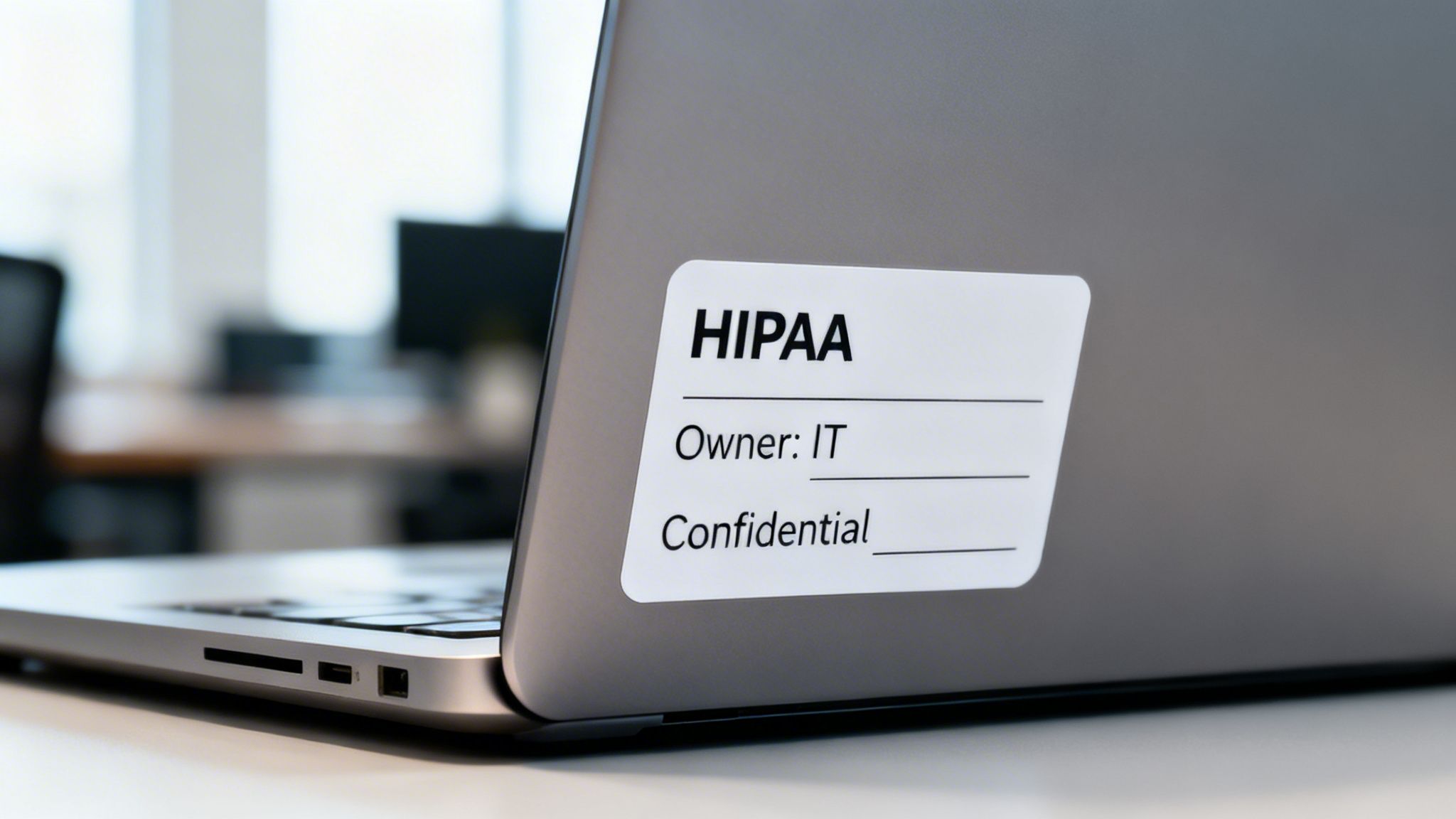
By embedding compliance directly into asset metadata, you can automate policy enforcement, simplify audits, and make risk-informed decisions. Tags can be applied automatically during discovery based on network location or device type, or manually for high-stakes systems. This consistent identification is then propagated across all IT management and security systems.
Practical Implementation Examples
- Financial Services: A brokerage firm tags trading platforms as 'FINRA-regulated, PCI-DSS scope, high-availability,' triggering automated daily backups, stringent access controls, and inclusion in quarterly compliance audits.
- Healthcare: A hospital tags a diagnostic imaging server as 'HIPAA-regulated, contains ePHI, encryption required.' This tag automatically enrolls the device in an advanced encryption and monitoring policy within their endpoint security platform.
- Legal: A law firm classifies document management servers as 'attorney-work-product, privileged-access-required.' This metadata is used by their access control system to enforce rules that prevent non-legal staff from accessing sensitive case files.
Actionable Tips for Success
To implement compliance-driven tagging, align your schema directly with regulatory frameworks like HIPAA or PCI-DSS. Start by identifying the specific data types and systems that fall under each regulation. Automate tag assignment where possible; for instance, any device connecting to a specific VLAN used for patient records could automatically receive a 'HIPAA' tag. Establish a quarterly review process to ensure metadata remains accurate as roles and regulations change. Most importantly, integrate these asset tags with your security architecture to drive Zero Trust access decisions, where a device's compliance tag helps determine its level of access.
5. Total Cost of Ownership (TCO) Analysis and Modeling
Effective IT asset management best practices extend beyond purchase prices to encompass the complete financial lifecycle of an asset. This is achieved through Total Cost of Ownership (TCO) analysis, a model that calculates every cost associated with an asset from acquisition to disposal. This includes not only the initial procurement cost but also ongoing expenses like maintenance, software subscriptions, support contracts, energy consumption, and decommissioning fees.
By modeling the TCO, you can move from reactive spending to strategic financial planning. This comprehensive view reveals the true cost of technology, enabling IT leaders to make data-driven decisions about when to repair, upgrade, or replace assets and providing the justification needed to secure budgets.
Practical Implementation Examples
- Healthcare: A clinic uses TCO modeling to compare the long-term costs of extending the maintenance contract on its aging EHR server infrastructure versus investing in a new, more efficient system. The analysis includes potential downtime costs, energy savings, and reduced support labor, revealing that the new system offers a lower TCO over five years.
- Legal: A law firm analyzes the TCO of its current ad-hoc workstation replacement strategy versus a standardized, three-year refresh cycle. The model shows that spot replacements lead to higher support costs and lower productivity, justifying the budget for a programmatic refresh.
- Manufacturing: A production facility evaluates the TCO of adding redundant control systems for a critical assembly line. By factoring in the high financial impact of unplanned downtime, the analysis proves that the investment in redundancy is far less expensive than the cost of a single major outage.
Actionable Tips for Success
To build an accurate TCO model, begin by gathering actual cost data from the past three to five years, including invoices, support tickets, and vendor contracts. Be sure to include indirect costs like IT staff time spent on maintenance and the business impact of asset downtime. Use this analysis to proactively set replacement budgets and identify assets that are becoming economically unviable to maintain. Review and update your TCO models annually, as vendor pricing and internal costs change. For predictable expenses, exploring alternative models like flat-rate IT management can help stabilize budgets and simplify TCO calculations.
6. Vendor, Contract and Software License Management
Effective IT asset management extends beyond physical assets to include the agreements that govern them. This best practice involves the systematic management of vendor relationships, contracts, service-level agreements (SLAs), and software licenses. The goal is to ensure compliance, control costs, and maintain operational continuity by holding vendors accountable and optimizing software entitlements.
By centralizing all contract and license information, organizations gain a clear view of their obligations and renewal dates. This allows for proactive management, preventing costly auto-renewals for unused services and ensuring that vendor performance aligns with contractual promises. This practice is crucial for controlling operational expenditures and maximizing the value derived from technology investments.
Practical Implementation Examples
- Financial Services: A financial firm uses usage monitoring to manage expensive Bloomberg Terminal licenses. By identifying underutilized seats, they can reallocate them to high-demand traders or negotiate a more favorable contract, saving hundreds of thousands of dollars annually.
- Healthcare: A multi-clinic provider reconciles its Electronic Medical Record (EMR) and Microsoft 365 licenses quarterly. This practice uncovers unused licenses from former employees, ensuring they are not paying for unnecessary software and remain compliant with vendor agreements.
- Law Firm: A legal practice consolidates its software vendors for case management and document review tools. This provides greater leverage to negotiate volume licensing discounts and standardized support terms, simplifying management and reducing overall costs.
Actionable Tips for Success
Start by creating a centralized repository for all vendor contracts and software license entitlements. Integrate this repository with your IT asset database to link assets directly to their associated warranties, SLAs, and licenses. Many organizations follow the 10 Best Practices for Software License Management to build a robust program. Conduct quarterly vendor performance reviews against agreed-upon metrics and SLA terms. Establish an approval workflow for all new software purchases to prevent shadow IT and ensure license compliance from day one, using usage data to inform negotiations and optimize spending.
7. Secure Asset Decommissioning and Data Sanitization
An IT asset’s lifecycle doesn't end when it's unplugged; a critical part of IT asset management best practices is establishing a formal process for secure decommissioning. This practice ensures that when assets are retired, all sensitive data is irreversibly destroyed, preventing data breaches from discarded hardware. It involves methodical device wiping, physical destruction when necessary, and auditable certification, all while adhering to environmental compliance for e-waste.
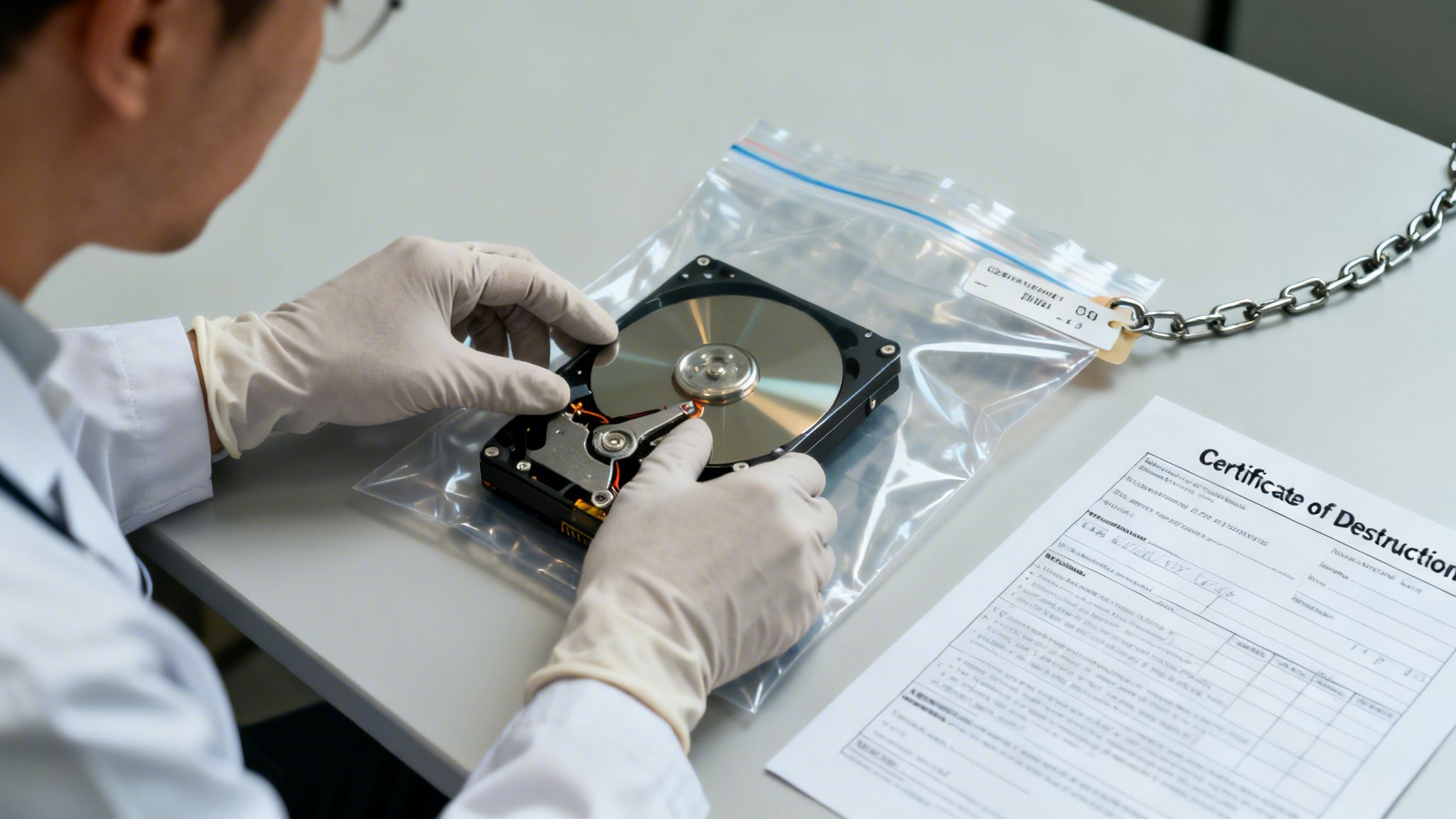
Without a secure disposal protocol, organizations risk severe reputational damage and regulatory penalties. A proper decommissioning strategy is non-negotiable for industries governed by HIPAA, PCI-DSS, and financial regulations, as it protects the organization from liability long after an asset has left the premises.
Practical Implementation Examples
- Healthcare: A clinic retires an old server that housed electronic health records (EHR). It uses a certified vendor to perform on-site hard drive shredding, receiving a Certificate of Destruction that specifically lists the asset's serial number, which is then attached to the asset record for HIPAA audit purposes.
- Law Firm: Before recycling employee workstations, a law firm uses data sanitization software like Blancco to perform a multi-pass wipe on each hard drive, erasing all traces of privileged attorney-client communications. The process is documented for every device to prove due diligence in protecting client data.
- Financial Services: A bank decommissions a payment processing system. It engages a vendor like Iron Mountain that provides a documented chain-of-custody from pickup to final destruction, ensuring compliance with strict PCI-DSS requirements for handling cardholder data.
Actionable Tips for Success
Start by integrating secure decommissioning into your ITAM platform. Create a specific "decommissioned" status that triggers a formal request and prevents the asset from being accidentally redeployed. Partner exclusively with certified data destruction vendors, such as those with e-Stewards or R2 certifications, to ensure environmental and data security compliance. For HIPAA, you must obtain a Business Associate Agreement (BAA) with your destruction vendor. Always demand and retain Certificates of Destruction for every asset, maintaining these records for at least six years to satisfy potential compliance audits.
8. Asset Refresh Planning and Replacement Strategies
Effective IT asset management best practices involve strategically planning for the future. Asset refresh planning is the proactive process of determining when hardware and software should be replaced based on age, performance, support status, and business requirements. This practice shifts organizations from a reactive, break-fix model to a predictable, budget-aligned strategy, preventing unexpected failures and security risks associated with end-of-life technology.
This strategic approach involves analyzing asset data to establish clear replacement cadences. Organizations can choose a rolling replacement model, spreading purchases evenly over time to stabilize annual budgets, or a cohort replacement model, upgrading entire groups of similar assets simultaneously to ensure standardization. This foresight balances capital expenditure with the operational risks of using aging equipment.
Practical Implementation Examples
- Healthcare: A multi-location clinic establishes a strict four-year replacement cycle for all workstations handling patient data. They use a rolling procurement model to replace 25% of their fleet annually, ensuring consistent budget allocation and avoiding the support gaps that could compromise HIPAA compliance.
- Law Firm: A law firm aligns its server infrastructure refresh with a major office technology upgrade and lease renewal. By planning these large capital expenditures together, they negotiate better vendor pricing and minimize disruption to legal operations.
- Manufacturing: A production facility uses asset data to identify and schedule the replacement of aging industrial PCs that support critical OT systems. The refresh is aligned with scheduled plant maintenance shutdowns to prevent costly downtime and secure vulnerable production lines.
Actionable Tips for Success
Use asset age and failure rate data from your ITAM system to pinpoint the optimal replacement window where TCO is lowest. Model different scenarios, comparing the cost of new hardware against the rising maintenance and potential downtime costs of older systems. Build a multi-year capital budget forecast based directly on your refresh plan to secure funding in advance. For critical systems in finance or healthcare, always factor the costs of redundancy, data migration, and validation into your replacement project budget. Aligning hardware refresh cycles with major operating system or application upgrades can further streamline transitions.
9. Configuration Management Database (CMDB) and Unified Asset Repository
Establishing a Configuration Management Database (CMDB) elevates IT asset management from a simple inventory list to a strategic, relational map of your entire technology ecosystem. A CMDB is a centralized repository that doesn't just catalog assets; it stores comprehensive information about their configurations, relationships, and dependencies. This unified repository becomes the single source of truth, linking hardware and software to the business services they support.
By providing this contextual visibility, a well-maintained CMDB allows you to perform critical impact analysis. Before deploying a patch, you can instantly see which applications and business processes will be affected. This level of insight is fundamental to de-risking changes and accelerating incident resolution, solidifying its place as a cornerstone of mature IT asset management best practices.
Practical Implementation Examples
- Healthcare: A hospital uses its CMDB to map dependencies between its Electronic Health Record (EHR) system, the underlying servers, clinical workstations, and network infrastructure. When a server requires maintenance, the IT team can precisely identify which clinical services will be impacted and schedule downtime to minimize disruption to patient care.
- Financial Services: A financial firm tracks its trading platforms, payment processors, and data warehouses in a CMDB. This mapping is essential for demonstrating to FINRA auditors that all systems handling sensitive financial data have the required security controls and are included in change management oversight.
- Law Firm: A legal practice maps its document management system to specific servers, databases, and user access groups. This allows for rapid impact assessment during security incidents and simplifies privileged access reviews, ensuring client data confidentiality.
Actionable Tips for Success
To successfully implement a CMDB, start small and focus on value. Begin by mapping a single critical business service and all its supporting assets rather than attempting to catalog the entire organization at once. Automate data population by integrating the CMDB with discovery tools and your ITSM platform to ensure data remains current. Establish strong data governance policies that define asset ownership and data quality standards. Use the CMDB to drive your change management process, performing risk assessments based on the service dependencies you've mapped. Conduct quarterly reviews to validate asset relationships and configuration accuracy.
10. Cloud and Hybrid Asset Management Integration
Traditional IT asset management practices must evolve to encompass the dynamic and ephemeral nature of cloud infrastructure and Software-as-a-Service (SaaS) applications. This best practice involves extending asset lifecycle management to your hybrid and multi-cloud environments, integrating on-demand provisioning, subscription-based licensing, and cloud cost management (FinOps) into your central asset inventory. It treats a virtual machine in AWS or a Microsoft 365 license with the same rigor as a physical server.
Without this integration, organizations face significant financial waste from orphaned cloud resources and security risks from unmanaged SaaS applications holding sensitive data. By unifying on-premises and cloud asset data, you gain a complete picture of your IT estate, enabling consistent governance, cost optimization, and security policy enforcement. This is one of the most critical IT asset management best practices for any modern organization.
Practical Implementation Examples
- Financial Services: A financial firm manages its AWS trading systems by implementing a strict PCI-DSS tagging policy. Automated scripts check for compliance, and any untagged or non-compliant resource is either automatically remediated or flagged for immediate review, ensuring continuous compliance.
- Healthcare: A provider managing medical imaging infrastructure in Azure uses specific tags to identify systems storing ePHI. This integration allows them to run automated reports demonstrating HIPAA compliance and ensures that data residency and access controls are correctly applied to all relevant cloud assets.
- Legal: A law firm tracks all SaaS subscriptions, from Microsoft 365 to specialized practice management software. By integrating this data into their ITAM platform, they can monitor usage, reallocate unused licenses, and automate the deprovisioning process when an attorney leaves the firm, preventing data leakage and unnecessary costs.
Actionable Tips for Success
To effectively integrate cloud assets, establish and enforce a mandatory resource tagging schema across all cloud providers (AWS, Azure, GCP). Use cloud-native tools like AWS Service Catalog or Azure Policy to enforce this policy. Integrate data from cloud cost management tools directly into your central CMDB. Schedule monthly cloud cost reviews with finance and engineering teams to identify cost spikes, underutilized resources, and opportunities for optimization. Critically, use discovery tools that can connect to cloud provider APIs to pull real-time asset data, ensuring your inventory reflects the dynamic state of your cloud environment.
10-Point IT Asset Management Best Practices Comparison
| Item | 🔄 Implementation complexity | ⚡ Resource requirements | 📊 Expected outcomes | 💡 Ideal use cases | ⭐ Key advantages |
|---|---|---|---|---|---|
| Automated Asset Discovery and Classification | Moderate — network scans, agent/agentless deployment, CMDB integration | Discovery tools, network access, storage, tuning effort | Complete visibility, faster vulnerability identification, audit-ready inventory | Organizations with mixed on‑prem/cloud assets (healthcare, finance, manufacturing) | Eliminates manual gaps; improves security posture and compliance |
| Lifecycle Stage Definition and Tracking | Moderate — process design, workflow automation and role mapping | ITSM/workflow engine, role owners, training, change management | Predictable costs, clearer asset responsibilities, reduced unplanned retirements | Firms needing strict handling of regulated assets (healthcare, legal, financial) | Standardizes handling across procurement→retirement; improves accountability |
| Preventive Maintenance and Condition Monitoring | High — sensors/agents, analytics models, threshold tuning | Monitoring platform, historical data, analytics expertise, maintenance windows | Reduced unplanned downtime, extended asset life, SLA improvements | Critical‑uptime environments (EHR, trading platforms, production lines) | Shifts to predictive maintenance; lowers emergency repair costs |
| Compliance‑Driven Asset Tagging and Metadata Management | Low–Moderate — taxonomy design and cross‑system propagation | Tagging schema, CMDB/ITSM integration, policy enforcement, training | Faster compliance audits, targeted access controls, faster incident scopes | Regulated environments requiring traceable asset classification (HIPAA, PCI) | Enables regulatory scoping and automated policy enforcement |
| Total Cost of Ownership (TCO) Analysis and Modeling | Moderate — financial modeling, data collection, scenario building | Finance tools, historical cost data, cross‑team inputs (IT, finance) | Data‑driven replacement decisions, justified investments, budget forecasts | Organizations evaluating upgrades vs. maintenance (healthcare, manufacturing) | Reveals true multi‑year costs and ROI for lifecycle choices |
| Vendor, Contract and Software License Management | Moderate–High — contract lifecycle systems and usage reconciliation | Contract DB, license discovery, procurement coordination, audits | Reduced licensing risk, cost savings, SLA enforcement, audit readiness | Entities with large vendor/software portfolios (legal, financial, enterprise IT) | Centralizes obligations, reduces surprises, optimizes spend |
| Secure Asset Decommissioning and Data Sanitization | Low–Moderate — policy controls, vendor coordination, chain‑of‑custody | Certified destruction vendors, sanitization tools, documentation processes | Eliminates data exposure risk on retired devices, compliance evidence | Any org retiring regulated devices (healthcare, finance, legal) | Mitigates breach/disposal liability; provides certified proof of destruction |
| Asset Refresh Planning and Replacement Strategies | Moderate — analysis of age/health/cost, budgeting cadence | Asset telematics, TCO inputs, procurement planning, finance alignment | Predictable CAPEX, reduced failure risk, smoother refresh cycles | Organizations planning multi‑year hardware refreshes (SMB→enterprise) | Balances capital planning with operational risk; optimizes timing |
| Configuration Management Database (CMDB) and Unified Asset Repository | High — data migration, relationship mapping, extensive integrations | CMDB platform (ServiceNow/BMC), discovery syncs, governance team | Single source of truth, faster impact analysis, improved change control | Large IT estates requiring dependency mapping (enterprise, healthcare) | Enables accurate impact and compliance analysis; centralizes asset data |
| Cloud and Hybrid Asset Management Integration | High — multi‑provider APIs, dynamic resource tracking, tagging enforcement | Cloud cost tools, API integrations, automation, governance policies | Reduced cloud spend, accurate chargeback, better compliance for cloud workloads | Multi‑cloud organizations and SaaS‑heavy environments | Extends asset control to dynamic cloud resources; optimizes costs |
Putting It All Together: Your Path to ITAM Excellence with CitySource Solutions
The journey to mature IT asset management can seem complex, but the path is paved with the clear, actionable strategies we have outlined. We have moved beyond high-level theory to provide a granular roadmap, covering everything from the foundational necessity of automated asset discovery and lifecycle tracking to the strategic imperatives of secure decommissioning and robust compliance-driven tagging. Mastering these IT asset management best practices is not merely an administrative task; it is a fundamental business transformation. It is the critical link between your technology investments and your organizational resilience, efficiency, and growth.
For organizations in highly regulated sectors like healthcare, finance, and legal services, this is non-negotiable. A mismanaged asset is not just an inefficiency; it is a potential compliance breach, a security vulnerability, or a financial liability. By implementing a comprehensive program that includes Total Cost of Ownership (TCO) analysis and proactive asset refresh planning, you shift from a reactive, break-fix IT model to a strategic, forward-looking one. This is the difference between simply owning technology and truly commanding it.
From Knowledge to Action: Your Next Steps
The true value of these insights lies in their implementation. We've explored the "what" and the "why," but the "how" is where the real work begins. Your immediate focus should be on establishing a baseline and building momentum.
Conduct a Gap Analysis: Start by assessing your current state against the best practices discussed. Where are your biggest blind spots? Is it in cloud and hybrid asset integration, or perhaps in formalizing your vendor and contract management? Use the checklists and KPIs mentioned earlier as your guide to identify the most critical areas for improvement. This initial audit provides the data needed to build a targeted, realistic implementation plan.
Prioritize for Impact: You cannot tackle everything at once. Identify the one or two practices that will deliver the most significant immediate value. For a manufacturing firm, this might be preventive maintenance and condition monitoring to reduce downtime. For a law firm, it might be secure asset decommissioning to protect sensitive client data. A "quick win" builds confidence and demonstrates the value of your ITAM initiative to key stakeholders.
Unify Your Data: The power of modern ITAM lies in a single source of truth. Breaking down data silos is paramount. Focus on integrating your various systems into a unified asset repository or a Configuration Management Database (CMDB). This consolidated view is the engine that powers everything else, from cybersecurity threat correlation to accurate financial forecasting and compliance reporting.
The Strategic Value of ITAM Mastery
Ultimately, embracing these IT asset management best practices transforms IT from a cost center into a strategic business enabler. When you have complete visibility and control over every asset, you can make smarter procurement decisions, fortify your security posture against emerging threats, and ensure you are always audit-ready. This operational excellence frees up capital, reduces risk, and allows your team to focus on innovation rather than firefighting. It provides the stable, secure, and efficient technological foundation upon which your organization can confidently build its future. This is the ultimate goal: turning your IT infrastructure into a competitive advantage.
Ready to transform your IT asset management from a complex burden into a strategic advantage? Partner with CitySource Solutions to implement these best practices with expert guidance and proven tools tailored to your industry's unique compliance and security needs. Visit CitySource Solutions to learn how our unified approach to managed IT, cybersecurity, and cloud services can drive your business forward.