
Leaving outdated technology behind isn’t some far-off project anymore—it’s a critical business decision you need to make right now. A well-planned data migration from legacy systems is your key to staying competitive, especially as the costs and risks of old tech keep piling up. We’re talking about more than just maintenance fees; it’s the hidden security gaps and crippling data silos that are truly holding your business back.
The Real Costs of Clinging to Legacy Systems
Most companies only see the tip of the iceberg when it comes to the cost of their legacy systems. They focus on direct maintenance contracts but completely miss the bigger, more expensive picture. The truth is, that old tech is silently draining your resources, exposing you to massive risks, and putting a hard stop on any real growth.
Think about a mid-sized financial services firm I worked with. Their core reporting was running on an on-premise server that was over a decade old. The IT team was in a constant state of firefighting, spending most of their time applying custom patches and fixing compatibility problems. This wasn't just a technical headache; it was a classic case of technical debt preventing them from working on anything that could actually move the business forward.
Draining Budgets on Maintenance and Support
The most obvious cost is the constant hit to your IT budget. Legacy systems demand specialized—and often scarce—talent to keep them running. As you start adding up the real expenses, you have to factor in how problems like decaying Legacy Code Just Got Worse: Watch Out can blow up your operational costs and stifle any chance of innovation.
This isn’t a one-and-done expense. It’s a continuous financial bleed that includes:
- Expensive Licensing: Many legacy vendors will charge you a premium for "extended support" on software they should have retired years ago.
- Hardware Failures: Old physical servers and network gear are ticking time bombs, leading to costly emergency repairs and unplanned downtime that kills productivity.
- Specialized Staffing: Good luck finding engineers who can work with ancient programming languages like COBOL or outdated database frameworks. And when you do, they come with a hefty price tag.
Exposing Your Business to Critical Security Gaps
Legacy systems are a hacker’s dream. They’re often full of known holes because they don’t get regular security updates and lack modern security protocols. For a healthcare provider, this could easily lead to a HIPAA compliance failure and the massive fines that come with it.
It’s no surprise that modernization is a top priority. In 2023, data breaches from legacy system vulnerabilities cost an average of $4.45 million—a figure that has jumped 15% in just three years.
That trend tells a scary story: holding onto old tech is like leaving your front door wide open for a security incident. The cost isn't just financial; it's the damage to your reputation and the loss of customer trust that can be impossible to recover from.
Stifling Growth with Data Silos
Maybe the most damaging long-term cost is how legacy systems kill your ability to innovate. They create data silos—isolated islands of information that your departments can't share or analyze. This fragmentation makes it impossible to get a clear, unified view of your business.
This kind of operational paralysis is a huge driver for change. In fact, a whopping 68% of enterprise IT leaders named replacing legacy systems as their number one priority in 2023, which is fueling a massive demand for skilled migration services. Without the unified data strategy that modern platforms provide, businesses simply can't use analytics, AI, or other essential tools needed to keep up with the competition.
Building Your Migration Blueprint
A data migration built on guesswork is doomed from the start. Diving into the technical work without a clear strategy is like trying to build a house without a blueprint—it’s a recipe for budget overruns, missed deadlines, and a final product that doesn’t actually help anyone. This initial discovery phase is where you lay the foundation for the entire project.
The first move is a deep, thorough audit of your current environment. This isn’t just about making a list of servers and databases. You need to become a digital archaeologist, digging deep to uncover hidden dependencies, undocumented business rules, and the “tribal knowledge” that really keeps your legacy systems running. Think of it as mapping an old city before you build a new one on top.
Conducting a Comprehensive Systems Audit
To truly understand your starting point, your audit has to go way beyond a simple inventory. Your goal is to identify every single piece of the puzzle, especially how data flows between different applications and what would break if one piece suddenly vanished. A proper audit involves a few key activities.
- Identify All Data Sources: Document every database, data warehouse, and even those rogue spreadsheets departments use to manage mission-critical information.
- Map Data Dependencies: Trace how data moves from one system to another. Does your billing system pull customer data directly from a 20-year-old CRM? These connections are your potential failure points.
- Analyze Data Quality: Get an honest, unflinching look at your data’s condition. Hunt for duplicate records, incomplete entries, and inconsistent formatting that will need to be cleaned up before you even think about moving it.
This process often reveals the core risks that were pushing you toward migration in the first place.
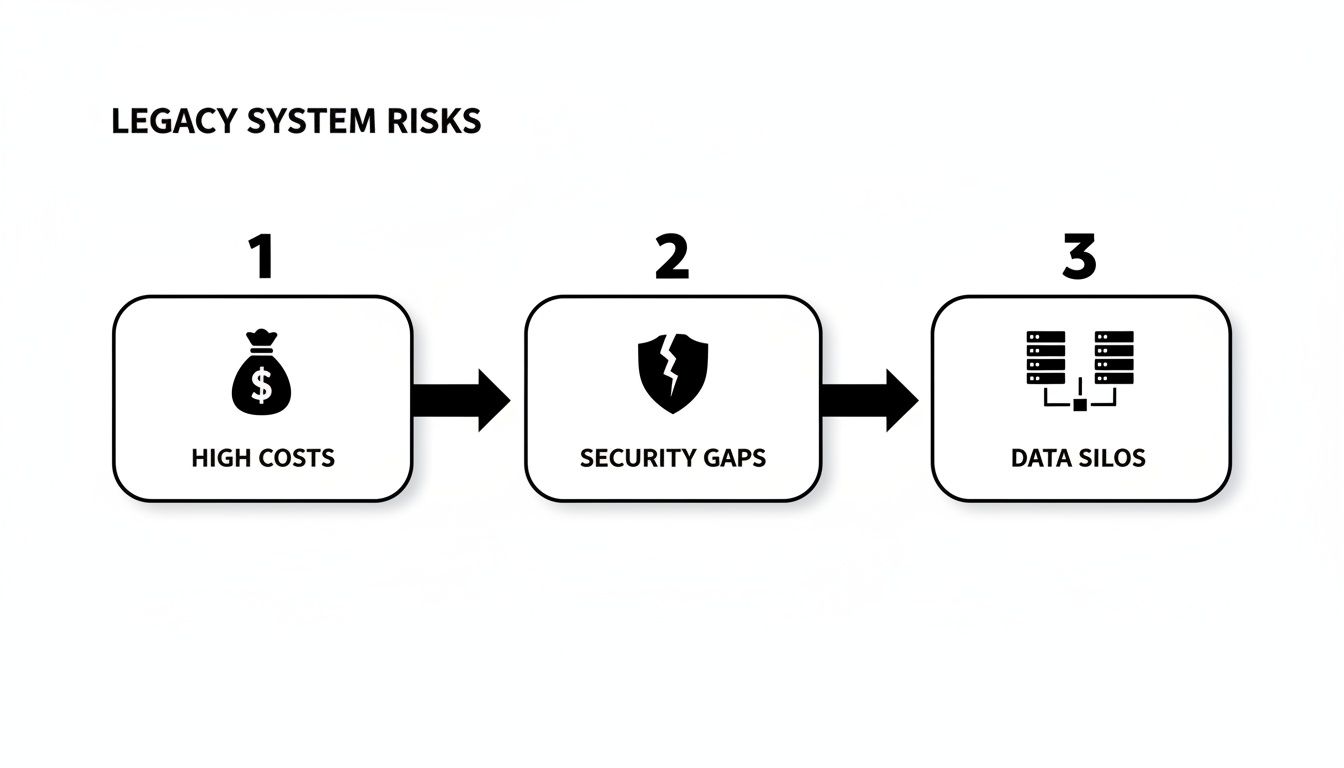
As you can see, clinging to old systems isn't just a technical problem; it’s a direct threat to your budget, your security, and your ability to innovate.
Engaging Stakeholders for Critical Insights
Technology doesn't exist in a vacuum; it serves people. That’s why stakeholder interviews are completely non-negotiable. You need to talk to everyone, from the C-suite executive who cares about high-level business goals to the end-user in customer service whose entire daily workflow depends on the system you’re about to replace.
Your goal is to uncover the unwritten rules and "workarounds" people use every day. These conversations often reveal critical requirements that would never appear in technical documentation but are essential for the new system's success.
For example, an interview with the finance team might reveal they manually export data to a specific Excel template for their month-end reporting—a critical process that must be replicated or, better yet, improved. As you build this out, consider how professional Cloud Migration Services can streamline this process, as they specialize in managing these complex stakeholder needs alongside the technical work.
Defining Your Migration Roadmap and Success Metrics
With your audit complete and stakeholder feedback in hand, you can finally build a detailed migration roadmap. This document translates all your findings into an actionable plan that actually aligns with business objectives. A strong roadmap clearly defines the project scope, sets a realistic timeline and budget, and—most importantly—establishes measurable metrics for success.
Instead of a vague goal like "improve the system," you need concrete, specific metrics:
- Reduce report generation time from 4 hours to under 15 minutes.
- Decrease data entry errors by 50% within the first quarter post-migration.
- Improve data access speed for customer-facing teams by 75%.
Defining these metrics upfront ensures everyone is aligned on what "done" and "successful" actually look like. It gives you a clear benchmark to measure against after the project is complete. As you craft this plan, you might also want to explore different cloud strategy models. You can learn more by comparing approaches like the https://citysourcesolutions.com/cloud-computing/aws-6rs-vs-microsoft-caf-framework/ to find the best fit. This strategic alignment is the final piece of your blueprint, ensuring your data migration from legacy systems delivers real, measurable value.
Mastering Your Data Transformation
With your blueprint in hand, the real work begins. This is where you roll up your sleeves and wrestle with the messy, inconsistent data trapped in your legacy systems. The goal? To transform it into a clean, structured, and trustworthy asset for its new home. It’s a painstaking process of mapping fields, cleaning up years of bad entries, and applying governance before a single byte moves.
Think of it like restoring a classic car. You don’t just drop a new engine into a rusty frame. You have to strip it down, fix the dents, and make sure every part works together flawlessly. Skipping this step is just asking for trouble down the road.
Creating Your Data Map: The Translation Guide
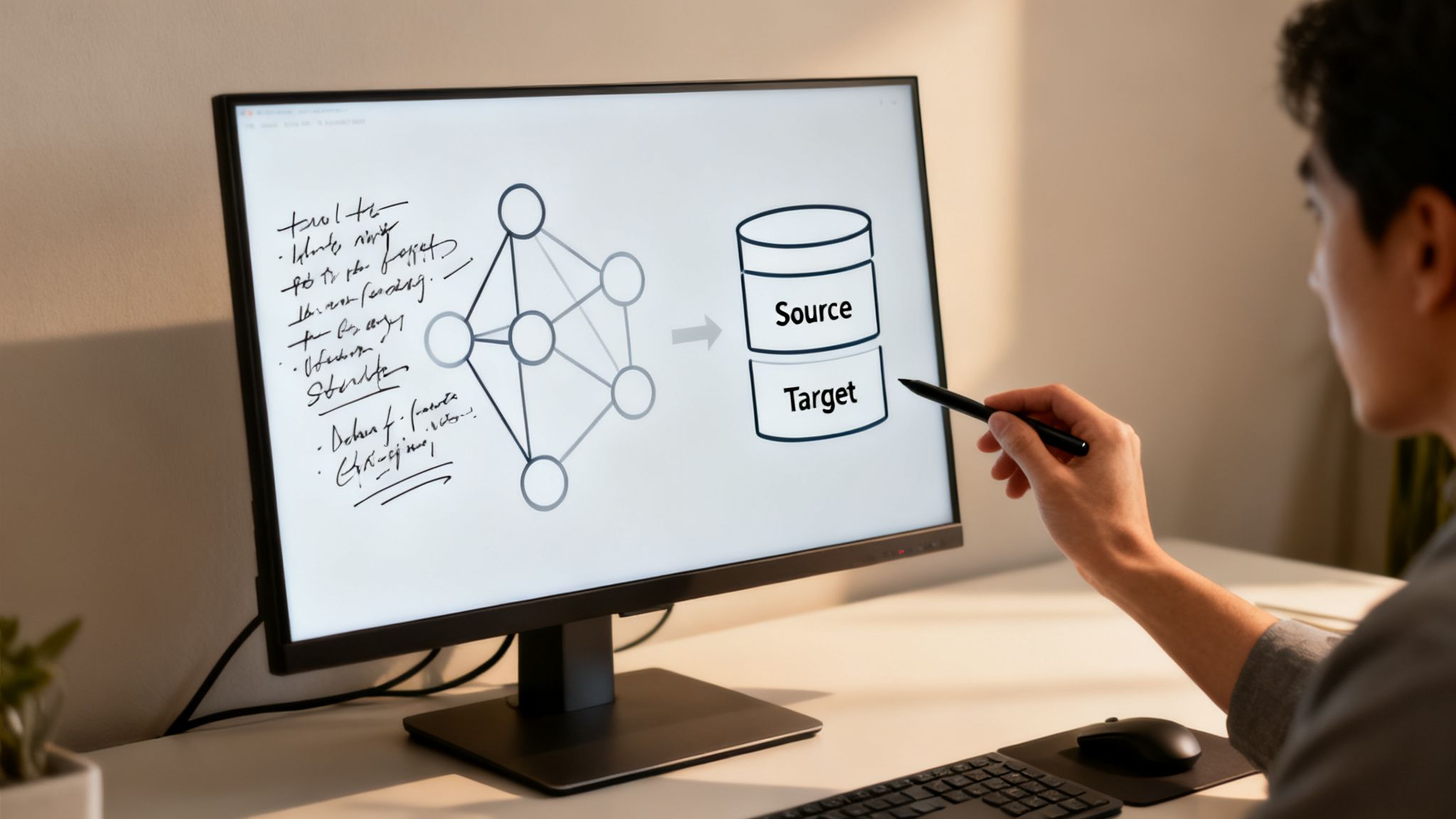
Your first practical step is to build a detailed data map. This document is your Rosetta Stone, spelling out exactly how a field in the old system corresponds to a field in the new one. I’ve seen projects go completely off the rails because a team tried to "wing it" here. Don't make that mistake.
For example, your legacy CRM might have a single CUST_NAME field, but your new platform demands separate FirstName and LastName fields. Your data map needs a clear rule to split that data correctly. It also has to account for data type conversions, like turning a simple TEXT field that holds dates into a proper DATETIME format.
A solid data map must cover:
- Source-to-Target Field Mapping: Explicitly state which old field populates which new field. No ambiguity allowed.
- Transformation Logic: Define all the rules for changing data—splitting, combining, or running calculations.
- Data Type Conversions: Specify how to handle mismatches, like
IntegertoDecimal. - Default Values: Decide what happens when a source field is blank. Does it stay null or get a default value?
The Critical Work of Data Cleansing
With your map ready, it’s time to face the music: your data quality. Let's be honest, legacy systems are magnets for bad data. You're going to find duplicates, incomplete records, and outdated information that will wreak havoc if you migrate it as-is.
Data cleansing is how you proactively identify and fix these problems before the move. Imagine a healthcare provider migrating patient records. It’s common to find a single person with multiple entries due to typos or address changes. If you don't merge those duplicates, you could end up with a fragmented medical history—a massive risk and a clear violation of HIPAA principles.
The drive to escape data silos is a huge motivator for modernization. A stunning 76% of executives say these silos block effective collaboration between departments. Clean, unified data is the solution.
Modernizing old applications and data is now a top priority for companies everywhere. In a 2023 survey, over half of IT leaders pointed to better security and efficiency as their main drivers. You can find more insights from Statista on the key reasons for legacy application modernization.
Building Governance and Compliance in From The Start
Data governance isn’t something you tack on at the end. It's a framework you build before migration to keep your data clean and compliant in its new environment. This means setting clear rules for data ownership, access controls, and quality standards that line up with regulations like FINRA or PCI-DSS.
For a financial firm, this means defining who can touch sensitive client investment data and implementing roles-based access controls from day one in the new system. You're not just moving data; you're elevating it to a more secure and well-managed state.
When you establish these rules upfront, compliance becomes an integral part of the system, not an awkward add-on. This proactive stance is essential for passing audits and protecting your business from steep regulatory fines. This is a far more complex process than just managing files. For a deeper look at different data handling strategies, you might find our guide on the differences between cloud backup and sync helpful.
Executing a Secure and Compliant Migration
With your blueprint finalized and data cleansed, it's time to get into the weeds of the migration itself. This is where all that planning hits the pavement, and your team's focus has to shift from strategy to secure, compliant execution. Every move from here on out carries real weight.
The push to get off outdated platforms isn't just about chasing the latest tech; it’s a business necessity. Old systems create operational drag, a problem so widespread that it affects 64% of organizations. Think about it—over a quarter of their applications are stuck in the past. This isn't just an inconvenience; this technical debt has a real-world impact on 63% of businesses, chewing up more than 16 hours of IT time every single week that could be spent on innovation. For more on this, check out SnapLogic's take on how GenAI is pushing legacy tech updates.
Choosing Your Migration Cutover Strategy
How you decide to "flip the switch" is one of the most consequential decisions in this entire project. This isn't just about the tech; it's a fundamental risk management choice that will ripple through the whole company. You're essentially choosing between two very different paths.
- The Big Bang Migration: This is the all-at-once approach. You move everything—data, apps, users—in a single, coordinated event, usually crammed into a weekend. It's fast, clean, and decisive when it works. But the risk is enormous. If something breaks, everything breaks.
- The Phased Migration: This is the slower, more methodical route. You migrate in manageable pieces over time, whether it's by department, by application function, or by dataset. It dramatically lowers the risk profile of the project, but it also means a longer timeline and the headache of running two systems in parallel.
Pro Tip: For almost any business we work with, especially in finance or healthcare, the phased migration is the only sensible choice. Start small. Pick a non-critical business unit or a specific chunk of data to pilot the process. You'll learn invaluable lessons, iron out kinks, and build confidence before you touch the mission-critical stuff.
Embedding Security at Every Step
Security isn't a feature you add at the end; it has to be baked into every single action you take during the migration. When data is on the move, it's vulnerable. Your job is to anticipate and close those temporary security gaps before they can be exploited.
Encryption is the absolute baseline—it's completely non-negotiable. Your data must be encrypted both in transit while it’s moving over the network and at rest once it lands in its new home. We're talking strong, current protocols like TLS 1.2+ for transit and AES-256 for data sitting in a database or cloud storage.
Beyond just encrypting the data, you need to lock down who can access it from day one. This is your chance to fix the sins of the past. Legacy systems are notorious for their sloppy, overly permissive access rules. Use this migration as an opportunity to implement a strict principle of least privilege, where every user has access only to the data they absolutely need to do their job, and nothing more.
A Practical Compliance Checklist for Regulated Industries
If you're handling sensitive information, compliance isn't just a good idea—it’s the law. Your entire migration plan needs to be audit-ready, showing exactly how you protected regulated data at every stage.
Here's a quick, practical checklist to keep you on the right track:
-
HIPAA (Healthcare):
- Get a signed Business Associate Agreement (BAA) from your new cloud provider. No BAA, no deal.
- Verify that all Protected Health Information (PHI) is encrypted, both as it moves and where it's stored.
- Document your access controls and make sure you have audit trails for any system that touches PHI.
-
PCI-DSS (Financial Services):
- Confirm the new environment holding Cardholder Data (CHD) is completely segmented from the rest of your network.
- Run vulnerability scans on the new platform before and after the migration.
- Make sure your data retention policies for CHD in the new system are fully aligned with PCI-DSS rules.
-
NY SHIELD Act:
- Document the "reasonable safeguards" you’ve put in place to protect the private data of New York residents.
- Make sure your incident response plan is updated and ready for the new environment.
- Confirm any third-party vendors touching the data are also compliant with NY SHIELD.
These regulations are complex and have sharp teeth. For a more detailed breakdown, our guide on secure and compliant cloud migrations for NYC organizations is a great resource.
The Non-Negotiable Step of Rigorous Testing
Finally, you simply cannot go live until you’ve tested everything. And then tested it again. This is far more than just checking if the data showed up. You need a comprehensive testing strategy that confirms everything is accurate, performs under pressure, and works exactly how your users expect.
Your validation process has to include:
- Data Integrity Testing: Use tools like checksums or even simple record counts to make 100% sure that no data was dropped or altered on the way over.
- Functional Testing: Get real users in a test environment to run through their most common daily tasks. This is the only way to know if business processes will actually work post-migration.
- Performance Testing: Hammer the new system with simulated user loads. You need to know it can handle your busiest day without grinding to a halt.
Only when your data is verified, your security is hardened, and your users give the green light is it actually time to cut over.
Navigating the Go-Live and Beyond
You’ve done the heavy lifting—the data cleansing, mapping, and endless testing are finally behind you. But don't pop the champagne just yet. The go-live and the stabilization period that follows are where all that meticulous planning is truly put to the test. This final phase of your data migration from legacy systems is all about landing the plane smoothly and then shifting your focus to long-term value.
Get this stage right, and you transform the migration from a painful, one-off project into a sustainable business asset. It all comes down to having a clear playbook for the cutover, a proactive plan for post-launch support, and knowing exactly what comes next.
Orchestrating a Smooth Cutover
The cutover is the moment of truth. Whether you’re going for a "big bang" launch or a phased rollout, this is a high-stakes, highly coordinated event that demands precision. A pre-launch checklist isn’t just a good idea; it’s non-negotiable if you want to avoid missing a critical step in the final hours.
Your checklist needs to be ruthlessly detailed, covering both the tech and the people involved:
- Final Data Sync: Kick off one last synchronization to catch any data changes that snuck in since your last major transfer.
- System Freeze Confirmation: Get written verification from every business unit that no new transactions are being pumped into the legacy system.
- Stakeholder Communication: Have your emails and status updates pre-drafted and ready to fire off to leadership, users, and partners at key milestones.
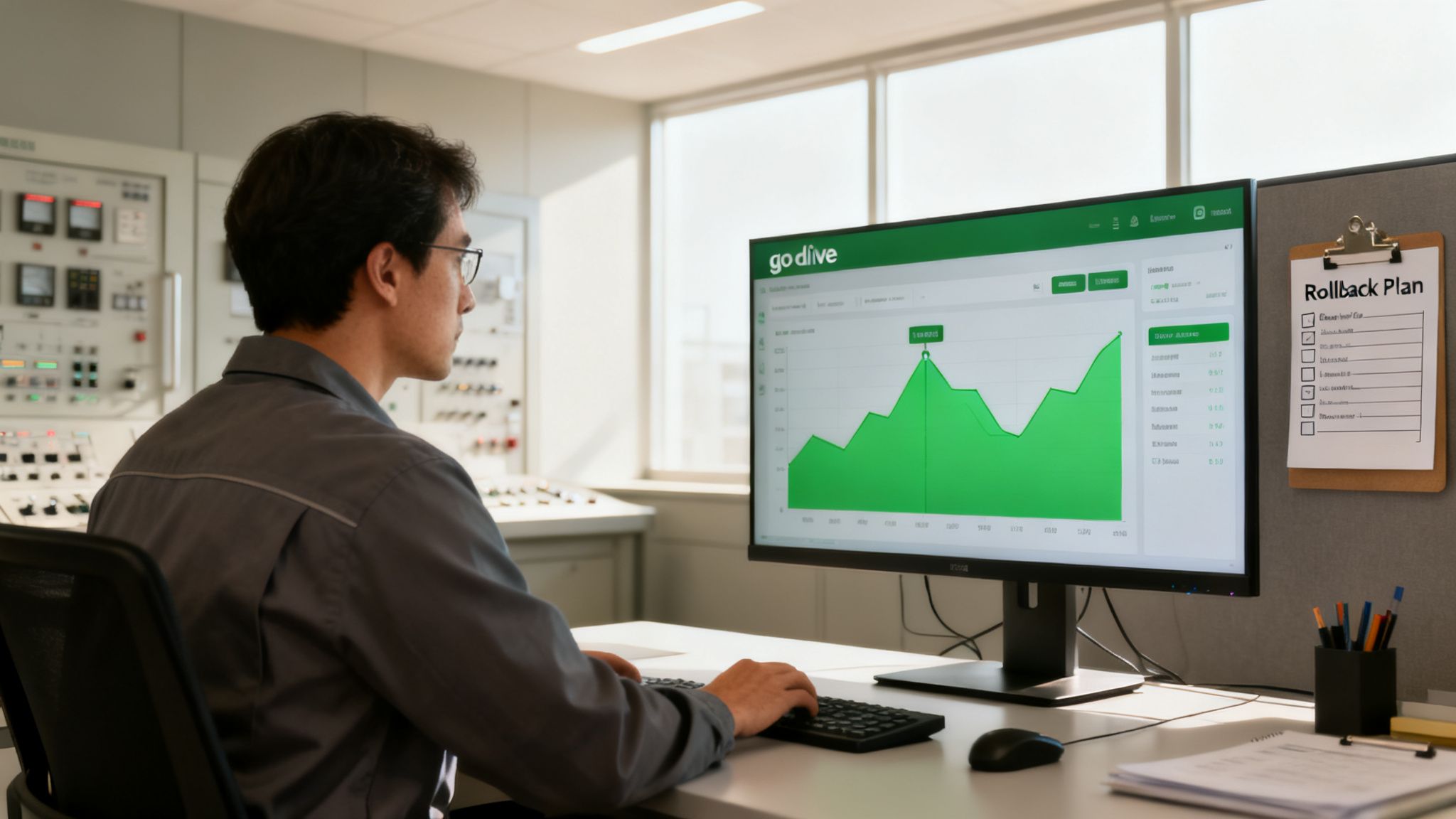
The most important document you can have during cutover is your rollback plan. You must have a clear, tested, and agreed-upon set of triggers that would force you to abort the go-live and revert to the legacy system. Hope is not a strategy here.
Life After Go-Live: Monitoring and Optimization
Once the new system is live, your immediate priority is stability. The first few weeks are all about "hyper-care"—your team should be proactively watching system performance, jumping on user-reported issues, and just making sure the new environment is behaving as expected. This isn't just about squashing bugs; it's about validating that the migration actually delivered on its promises.
After that initial stabilization window, the game shifts to optimization. This is especially true in a new cloud environment, where costs can spiral out of control fast. Trust me, plenty of organizations get a nasty surprise with their first cloud bill because they didn't dial in their resource usage.
Your key post-migration activities should include:
- Performance Monitoring: Keep a close watch on metrics like database query times, application response speed, and CPU utilization. You’re hunting for performance bottlenecks that never showed up in testing.
- Cost Management: Use the tools your cloud vendor provides to get a handle on spending. Find and shut down underused resources, set up auto-scaling to match demand, and look into cost-saving options like reserved instances.
- User Training and Support: The technology is only half the battle. Keep providing training sessions and easy-to-find support channels to help users get comfortable. Their feedback is gold for identifying workflow improvements.
The Final Step: Decommissioning Legacy Systems
You can't declare victory until the old systems are officially and securely powered down for good. Keeping legacy hardware humming along "just in case" is a recipe for security risks and pointless maintenance overhead. A formal decommissioning process is the final, non-negotiable step.
This process involves a few critical moves. First, run a final, definitive backup of the legacy system's data and archive it securely based on your data retention policies. Next, make sure all data is securely wiped from the old hardware using certified data destruction methods—the last thing you want is a data breach from a forgotten server.
Finally, document the entire decommissioning process for your audit and compliance records, confirming every tie to the old system has been severed. This officially completes the lifecycle of your data migration from legacy systems, clearing the path for you to innovate on your modern, secure platform.
Your Top Legacy Data Migration Questions Answered
Even with the best playbook, real-world questions always pop up when you're staring down a complex migration. These are the practical, on-the-ground concerns that can stall a project before it even starts. Let's tackle the most common ones we hear from businesses getting ready to make the move.
How Long Does This Actually Take?
This is the big one, and the honest answer is: it depends. Think of it less like a sprint and more like an expedition.
A super straightforward migration—maybe a single, non-critical app with clean data—could be wrapped up in as little as three months. But let’s be real, that’s not most people's reality.
For a mid-sized business juggling a few interconnected systems and so-so data quality, you should probably budget for six to twelve months. If you're a large enterprise with decades of data, deep system dependencies, and heavy compliance rules (think HIPAA or FINRA), you’re likely looking at 18 months or more.
What really moves the needle on the timeline?
- Data Volume and Quality: It's simple. The more data you have and the messier it is, the longer it takes. Bad data is the number one cause of delays, full stop.
- System Dependencies: How tangled is your web? The more connections between your old systems, the more time we have to spend carefully untangling them without breaking something.
- Team Availability: A dedicated, focused team will always outpace an IT department trying to fit a migration in between their day-to-day fires.
How Do We Keep the Business Running During the Migration?
The thought of shutting everything down for a weekend gives everyone anxiety, and for good reason. A "big bang" cutover is just too risky for most companies. The good news is, you don't have to do it that way.
The smarter approach is a phased migration. We move your data in logical, manageable chunks—maybe one department at a time, or by specific user groups. This lets us keep the old system running while we move and test the new one in parallel.
This way, if a problem pops up, it’s a small, contained issue, not a full-blown operational meltdown.
Your goal should be to make the final cutover a complete non-event. When you do a phased migration right, the final "go-live" feels routine because you've already moved 95% of the data and worked out all the kinks.
How Do We Pick the Right Migration Partner?
Choosing a partner is just as important as choosing your new cloud platform. Don't just look for a tech team; you need a partner who has been down this road before, specifically in your industry.
When you're vetting potential partners, get specific with your questions:
- Have you handled a migration under HIPAA regulations before? Can you walk me through the security controls you put in place?
- What does your communication plan look like? How will our project lead know what's happening day-to-day?
- Can we speak to three of your past clients who are a similar size and in a similar industry to us?
A true partner isn't just there to move data. They should be just as invested in the business outcome—like lowering your operational overhead or making data easier to access—as they are in the technical details. They should feel like an extension of your own team.
What's the Real Cost of a Data Migration?
The sticker price on new software or cloud hosting is just the tip of the iceberg. To get a real sense of the investment, you have to look at the total cost of ownership (TCO). Many companies get tripped up by forgetting to budget for the hidden costs.
Make sure your budget accounts for:
- Discovery and Planning: This is all the upfront work—auditing your systems, interviewing stakeholders, and building the actual roadmap.
- The Tooling: You'll likely need specialized software for ETL (Extract, Transform, Load), data cleansing, and project management.
- People Power: This is almost always the biggest line item. It includes your internal team's time plus the cost for any external specialists or consultants you bring in.
- Training: Your team needs to know how to use the new system effectively from day one.
- Post-Launch Support: You need a "hyper-care" period right after you go live, where you have dedicated support ready to jump on any issues.
Yes, a migration is a significant project. But the cost of doing nothing—staying on old, vulnerable systems that kill productivity—is almost always higher in the long run.
At CitySource Solutions, we transform IT from a liability into a strategic asset. Our expert team specializes in secure, compliant data migrations for businesses across the Tri-State area, ensuring your transition from legacy systems is smooth, secure, and aligned with your growth objectives. Let us build the reliable technology platform your business deserves. Learn more at https://citysourcesolutions.com.